
Your Free Phone Wallpapers
Thank you for joining the Little Dogs Club! 🐾 Pick your breed below and tap the wallpaper you like. It opens in full size.
On your phone: press and hold the picture, then choose Save to Photos (iPhone) or Download image (Android).
On a computer: right-click the picture and choose Save image as, then send it to your phone (for example by email to yourself).
Then open your phone settings and set the picture as your wallpaper. Step-by-step help is at the bottom of this page.
Made for modern phones. Works with most iPhone and Android models. On older, wider phones the bottom edge may be trimmed a little.
Jump to your breed: Chihuahua · Dachshund · French Bulldog · Maltese · Mini Pinscher · Papillon · Pomeranian · Shih Tzu · Toy Poodle · Yorkie
Chihuahua lovers
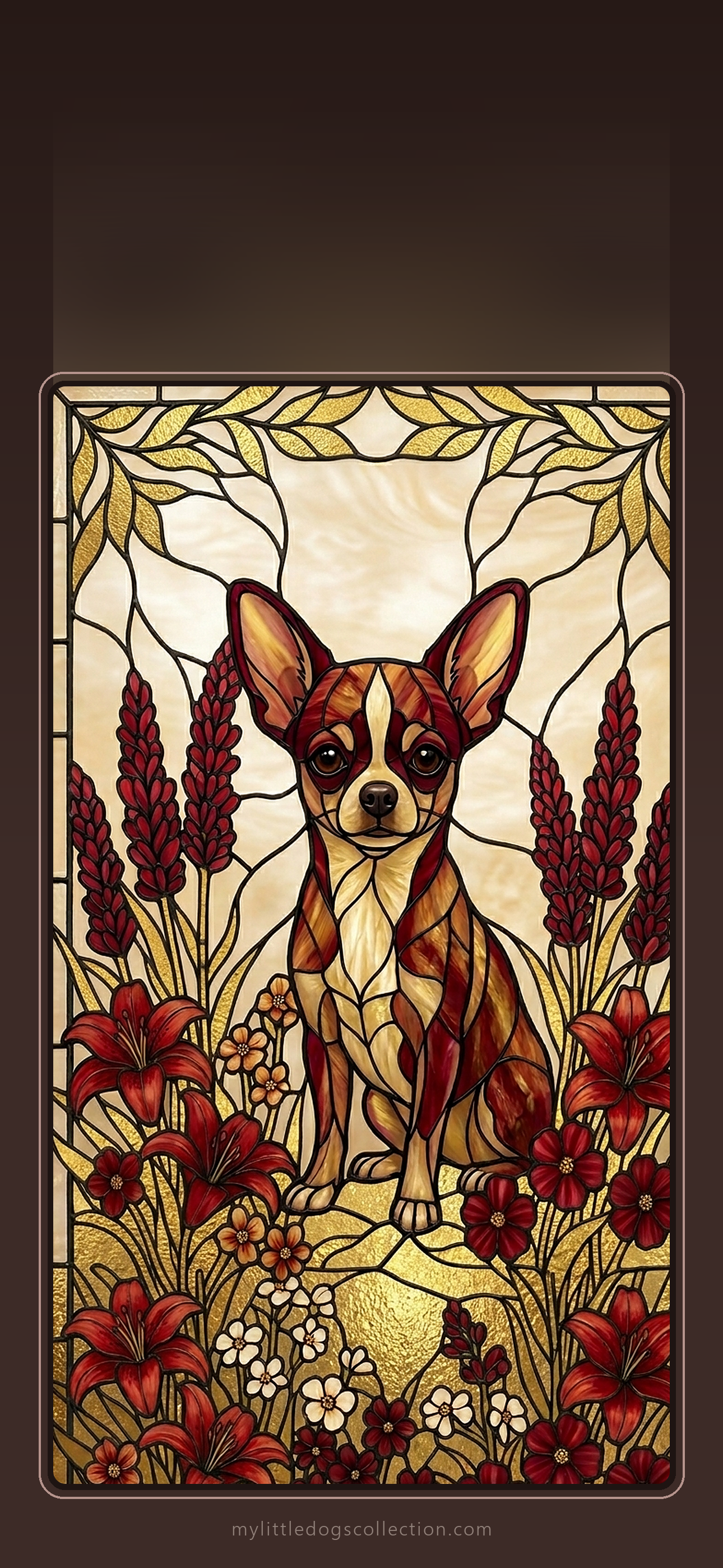
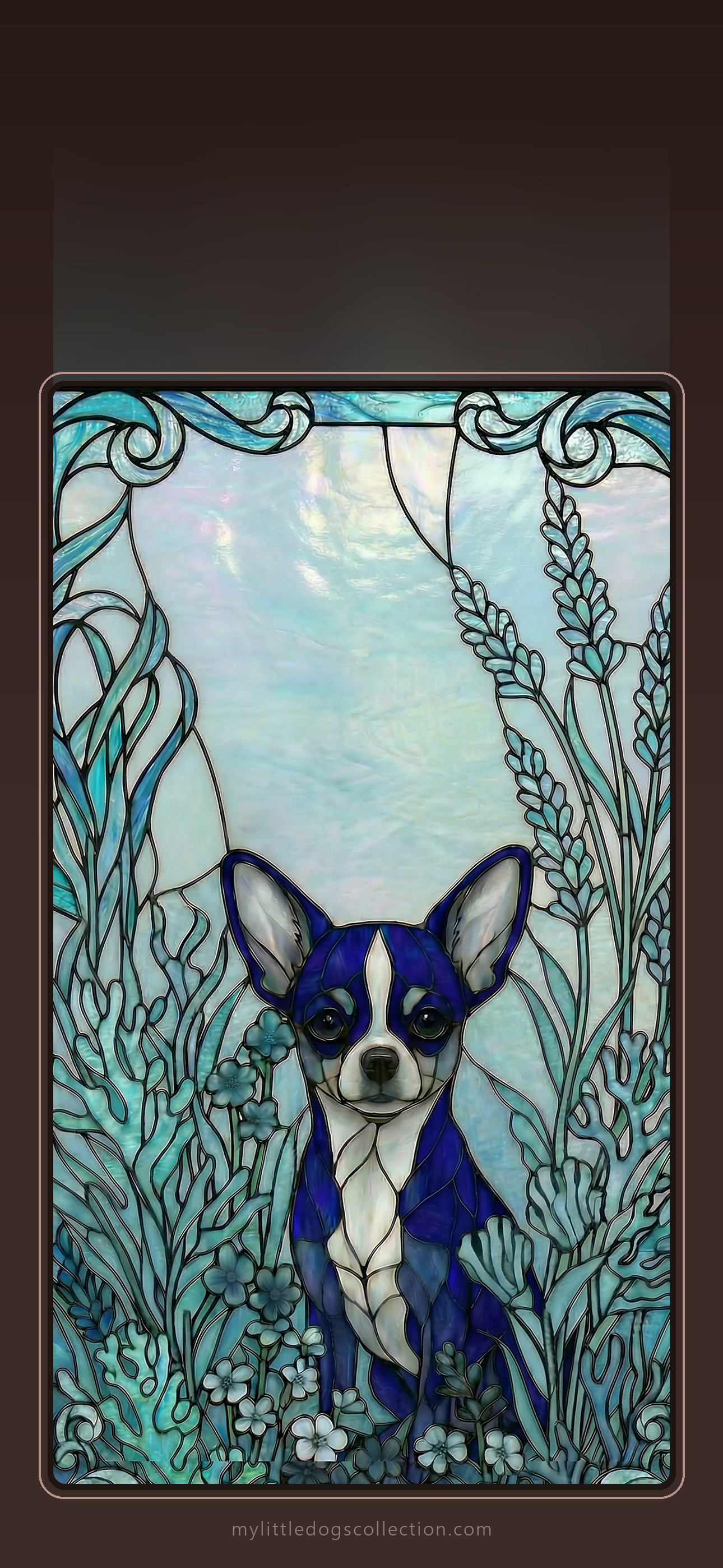
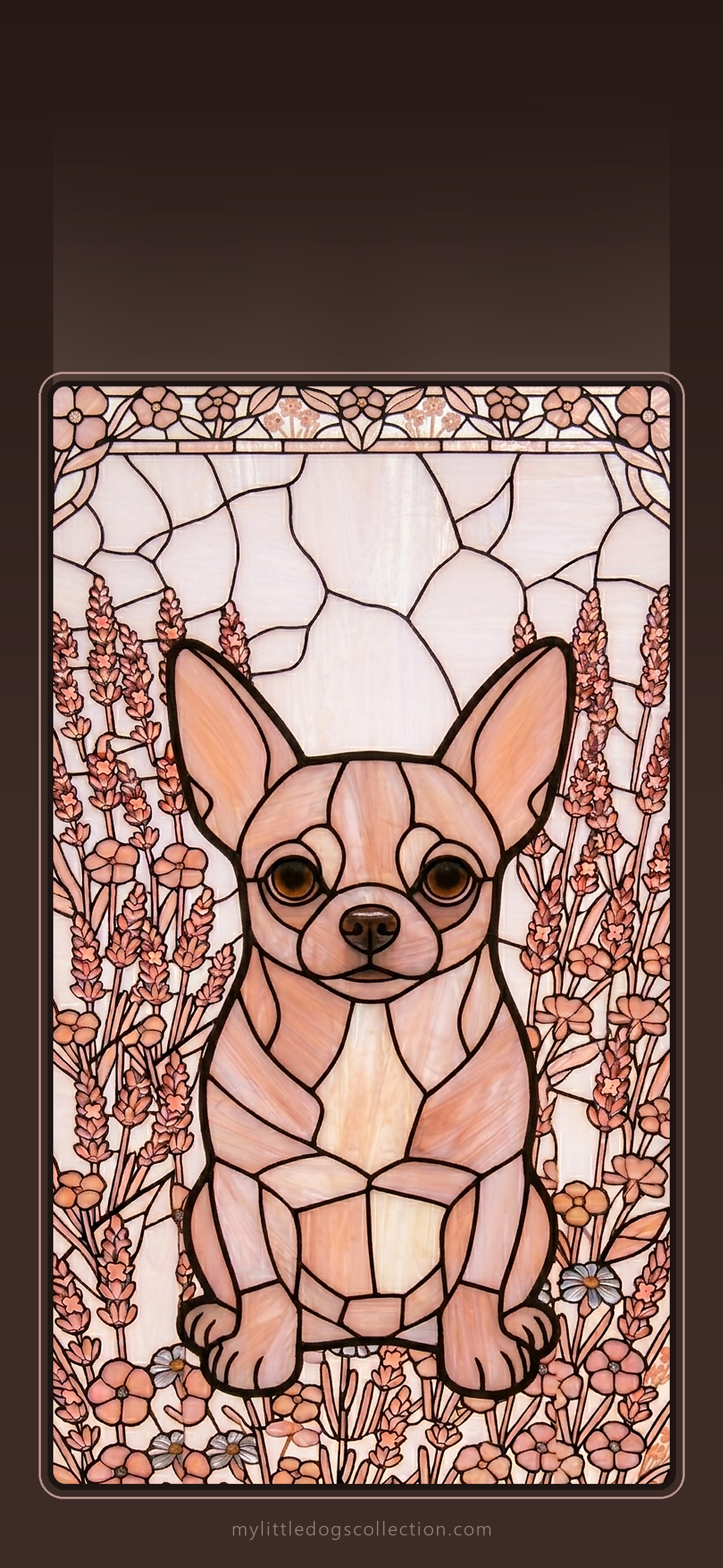
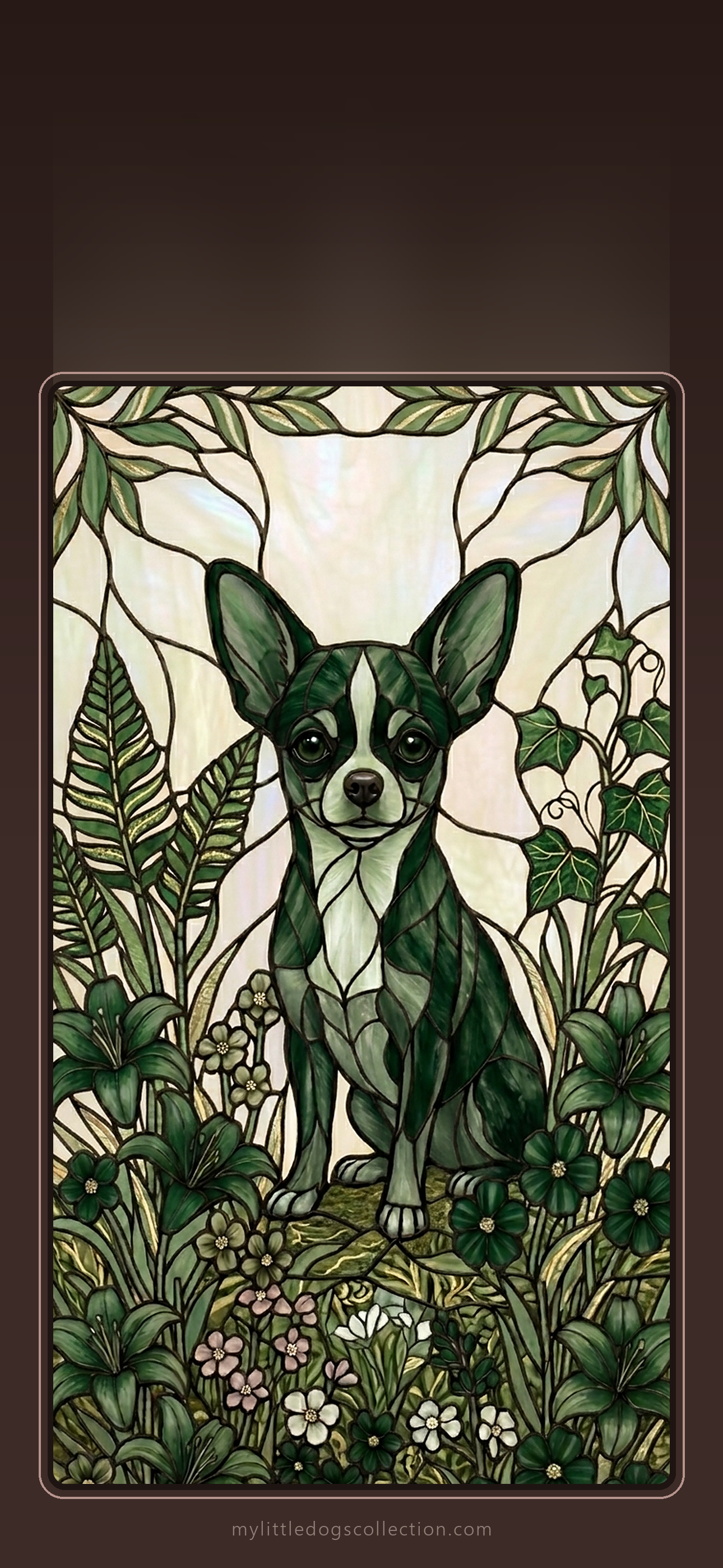
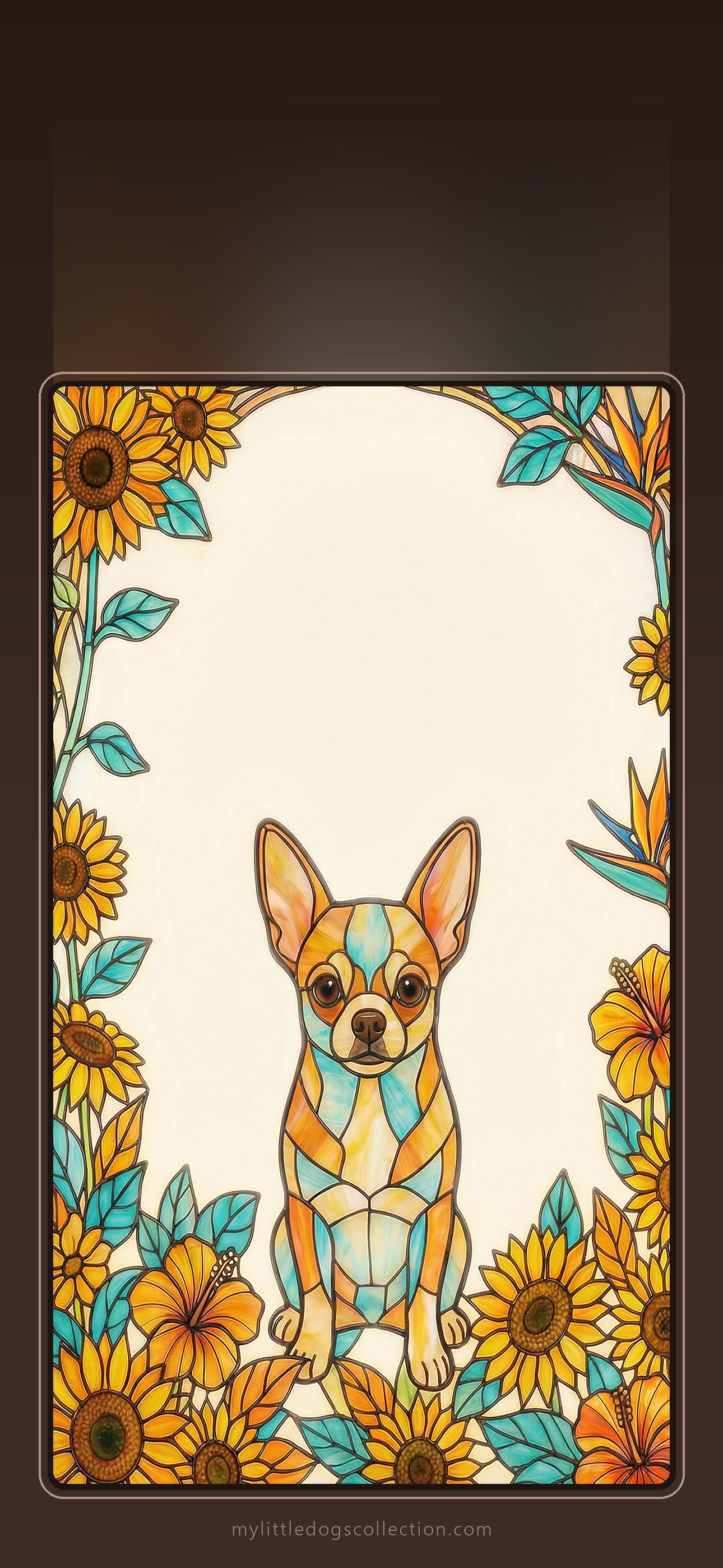
Love one? Get the matching phone case: Fire & Gold · Alert & True · Blush & Grace · Wise & Wild · Sun & Joy
Dachshund lovers
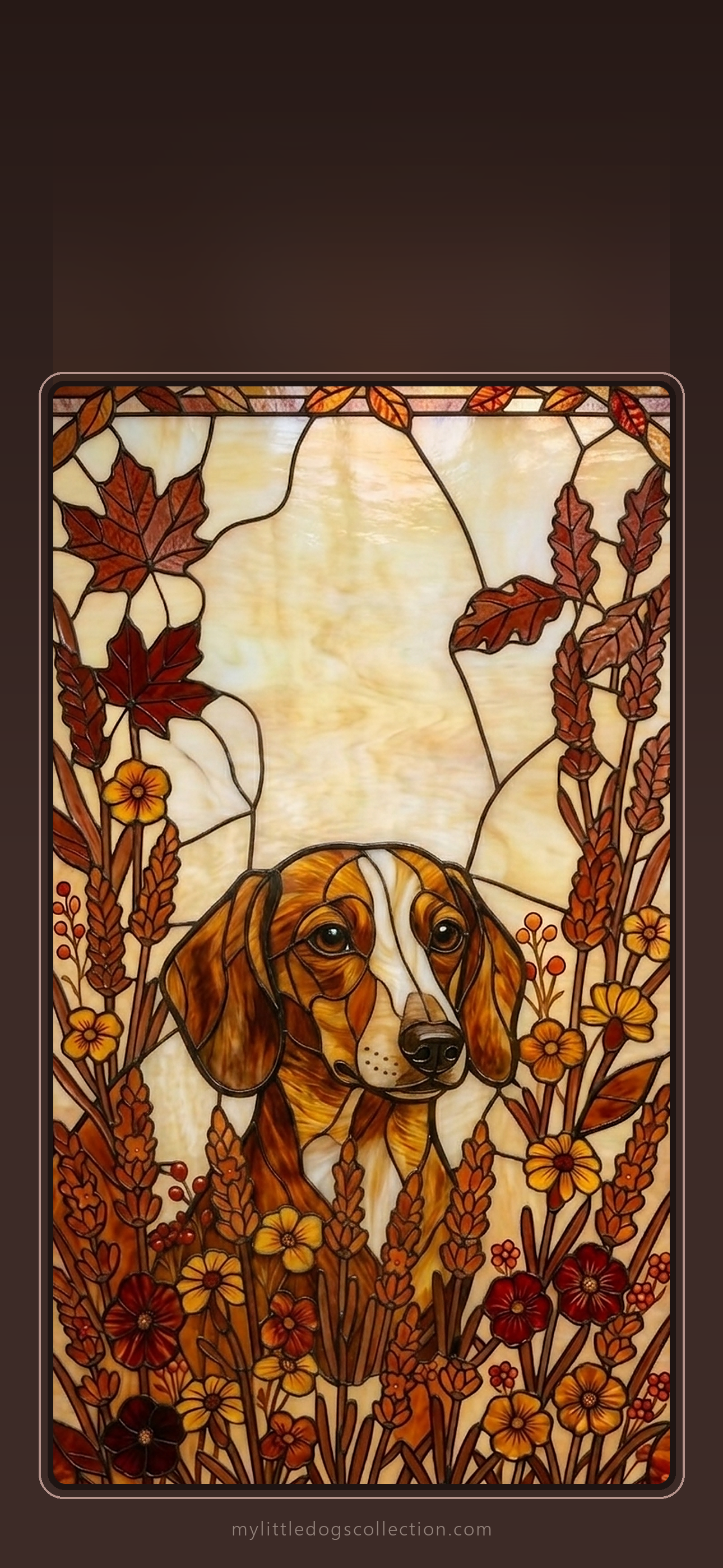
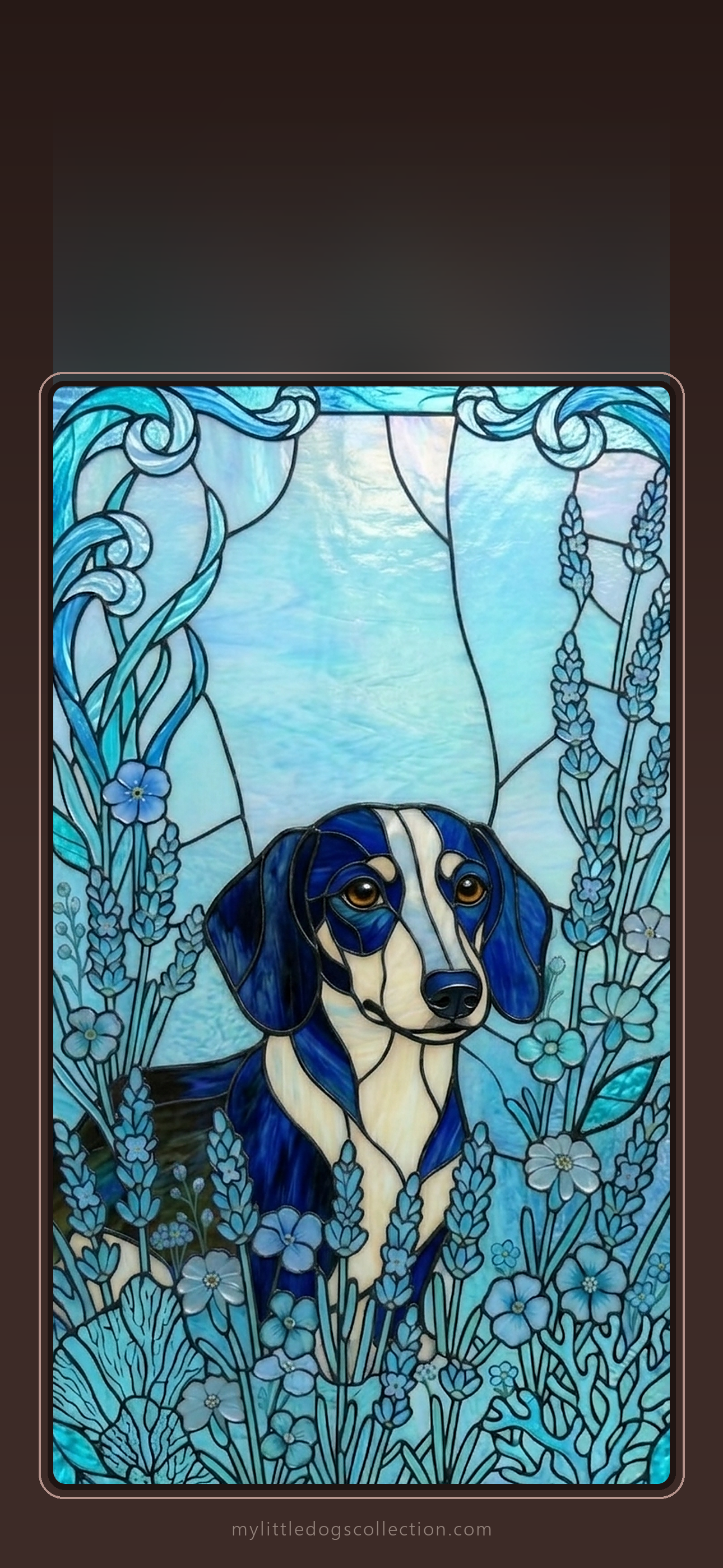
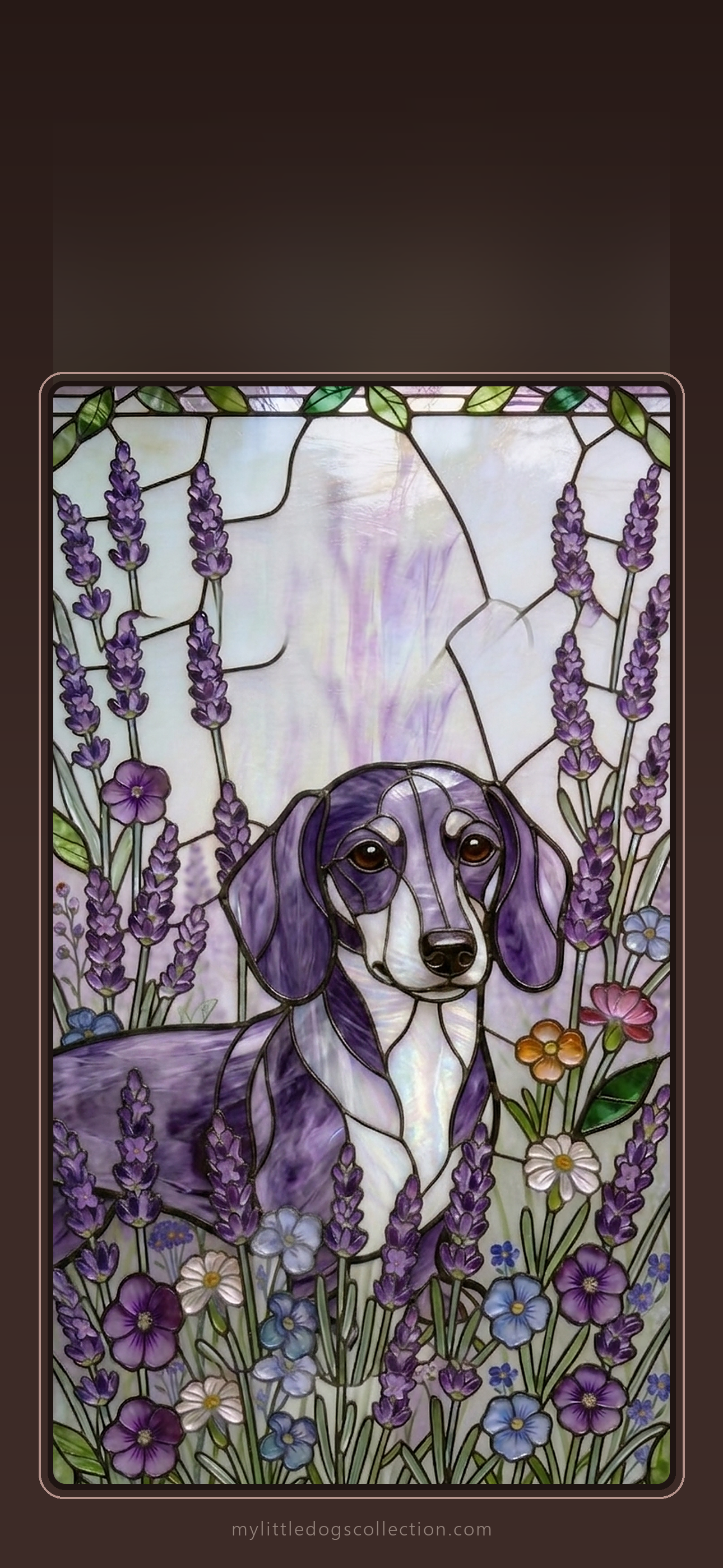
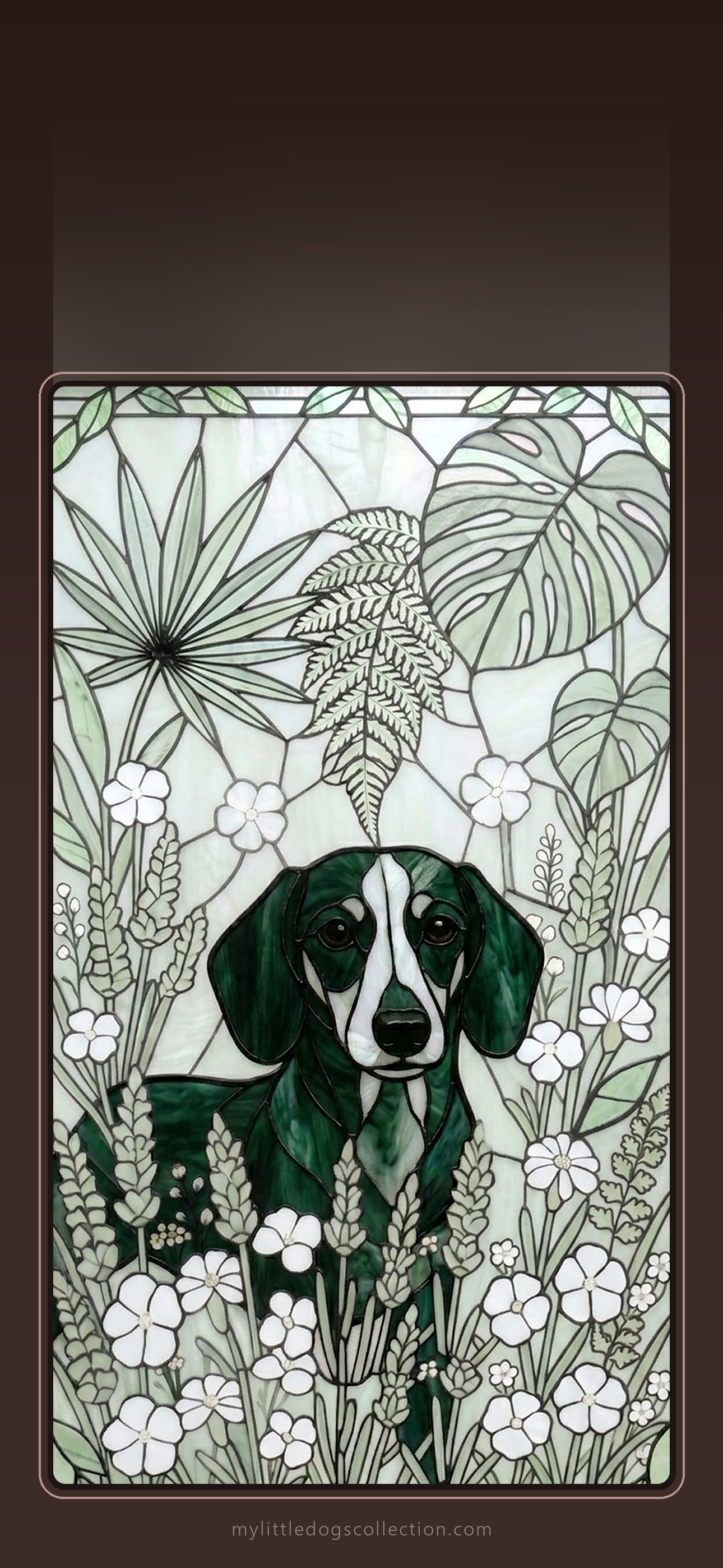
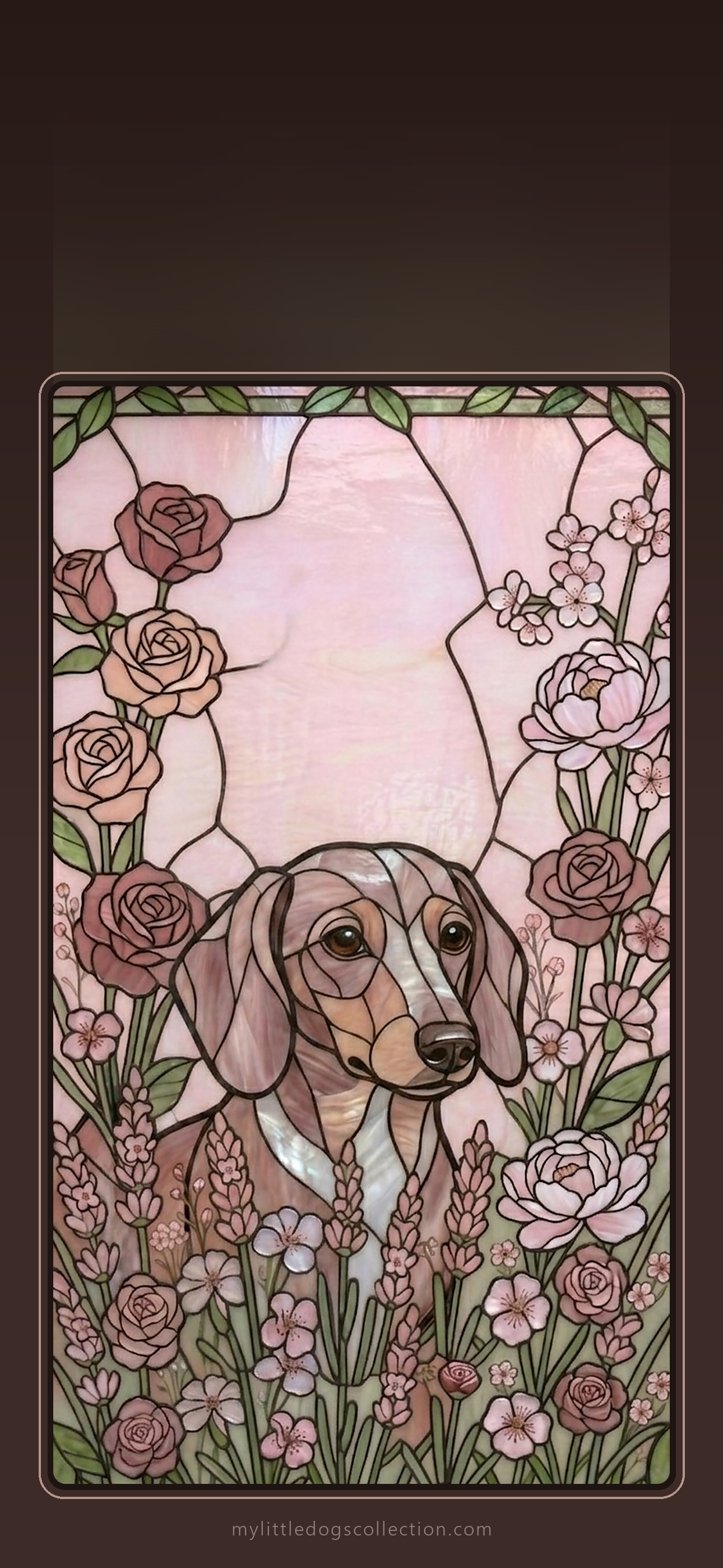
Love one? Get the matching phone case: Autumn Warmth · Ocean Blue · Lavender · Botanical Green · Rose Garden
French Bulldog lovers
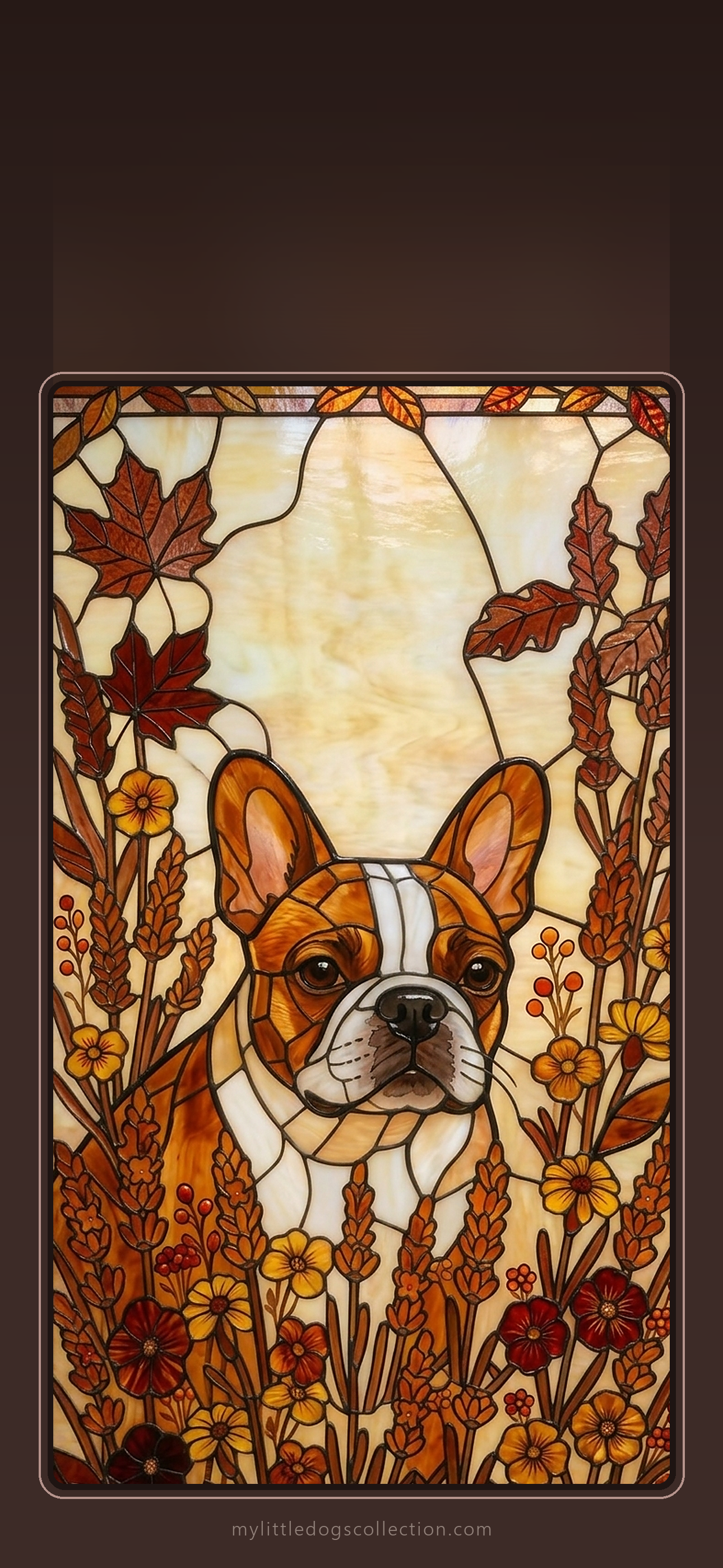
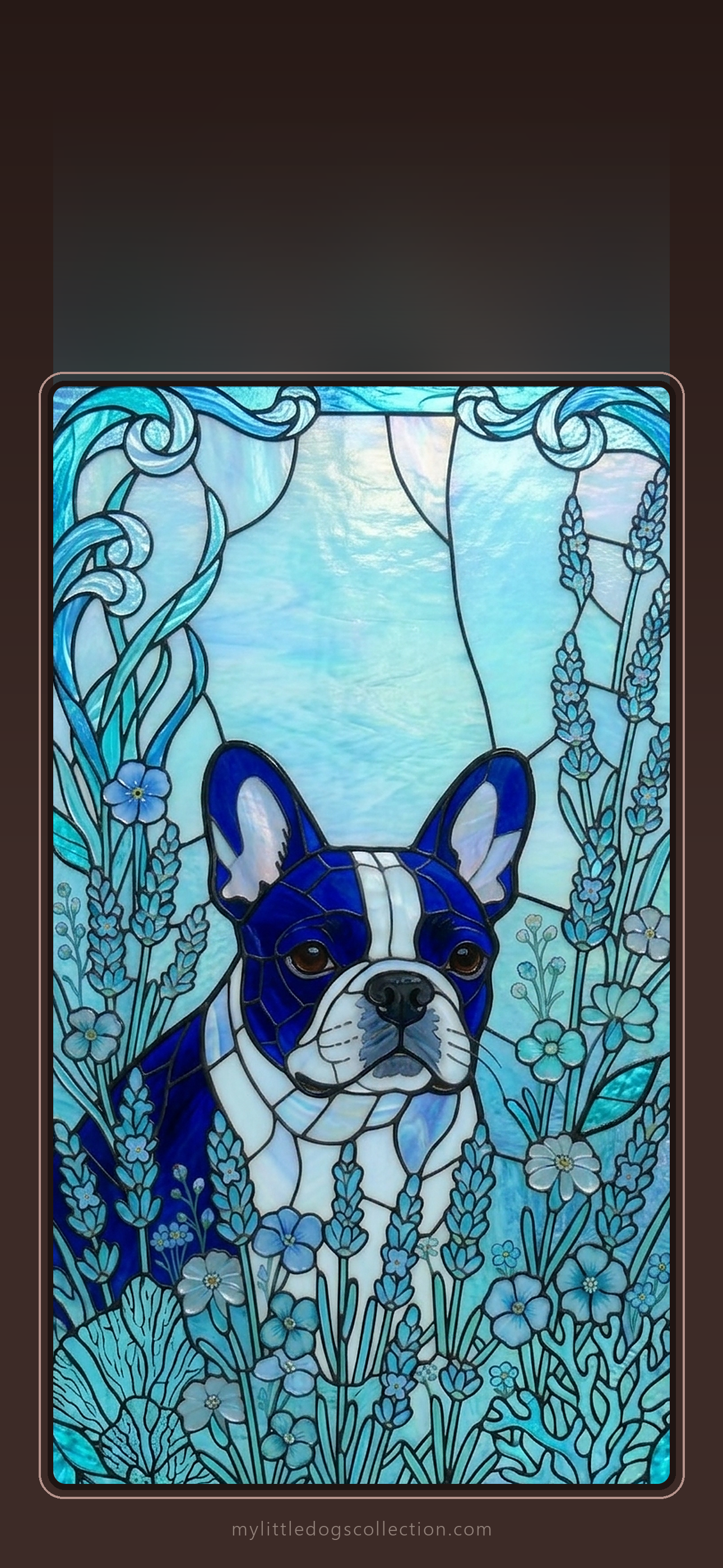
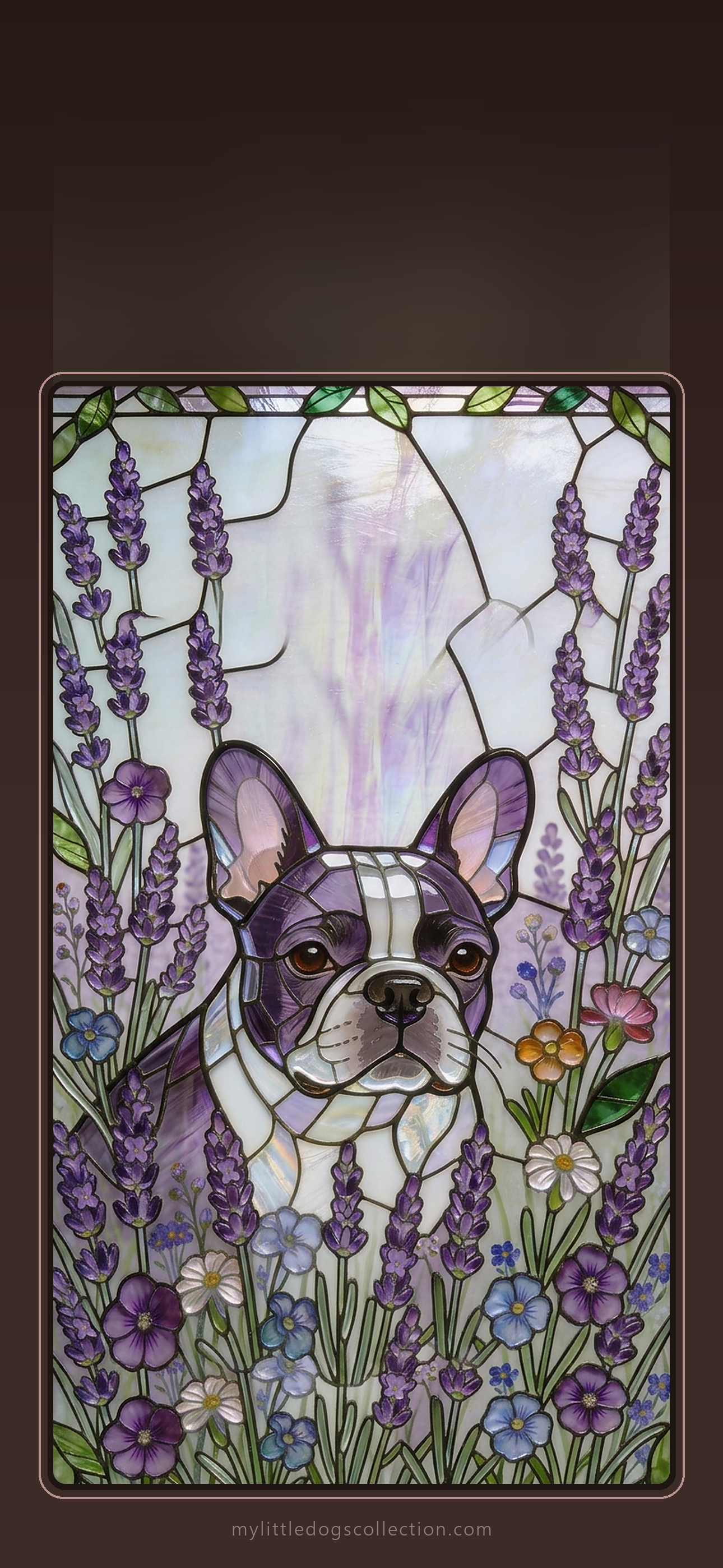
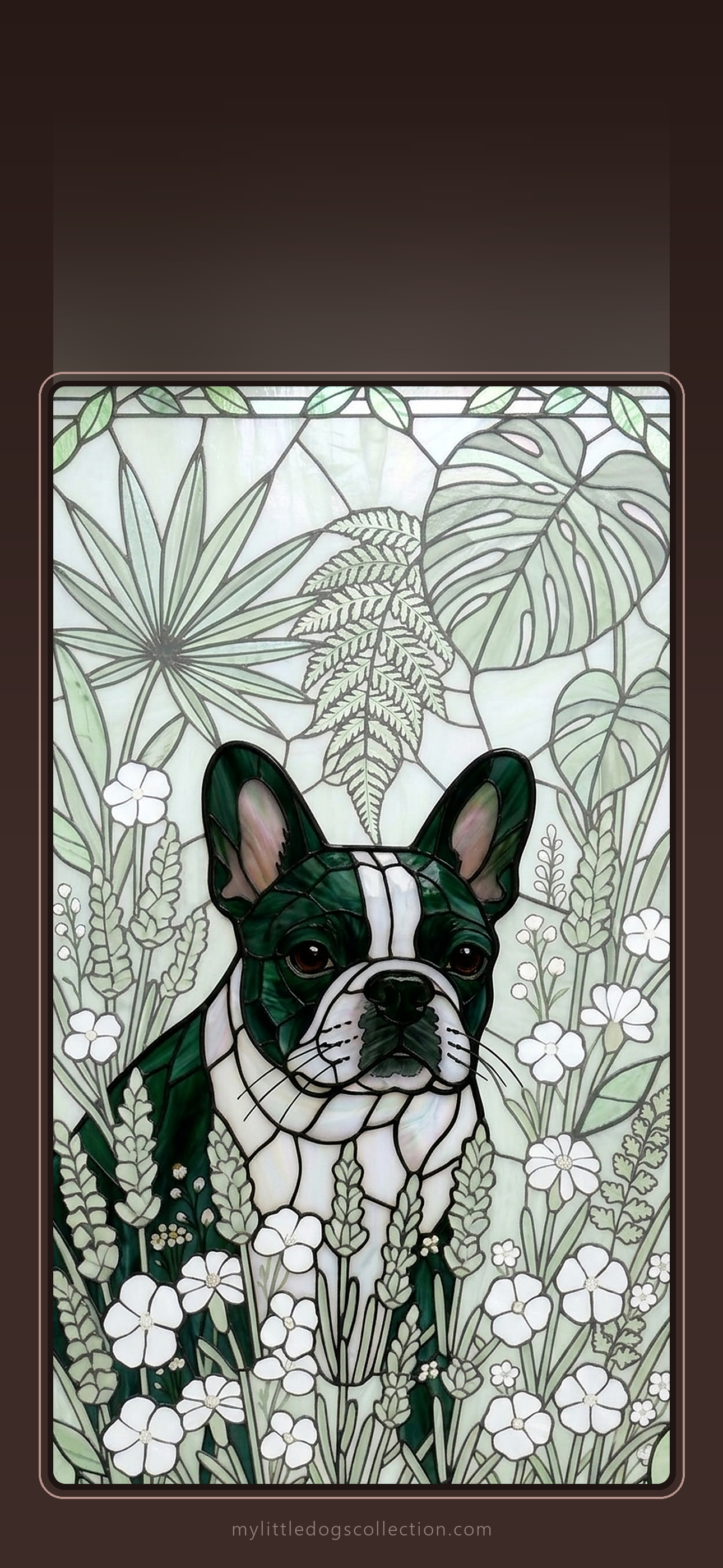
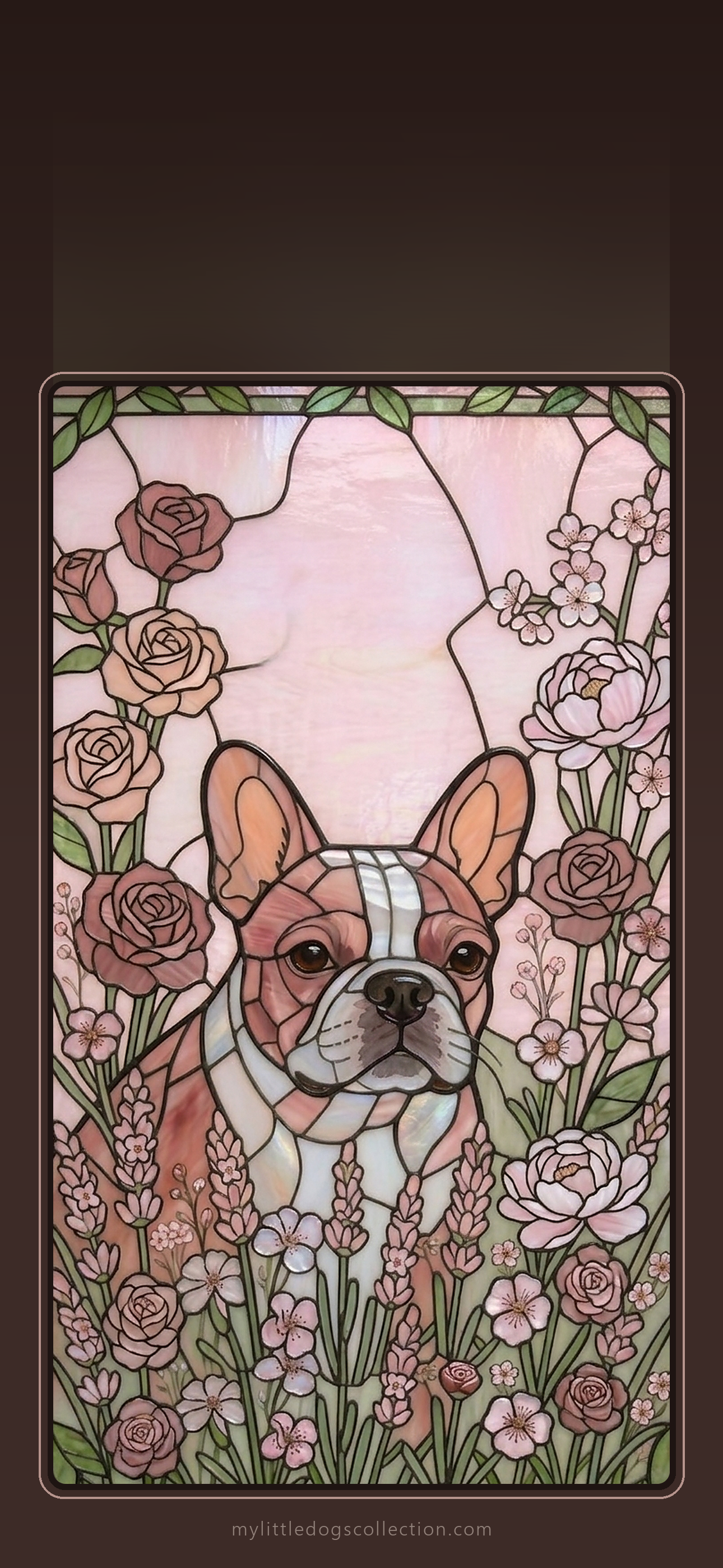
Love one? Get the matching phone case: Autumn Warmth · Ocean Blue · Lavender · Botanical Green · Rose Garden
Maltese lovers
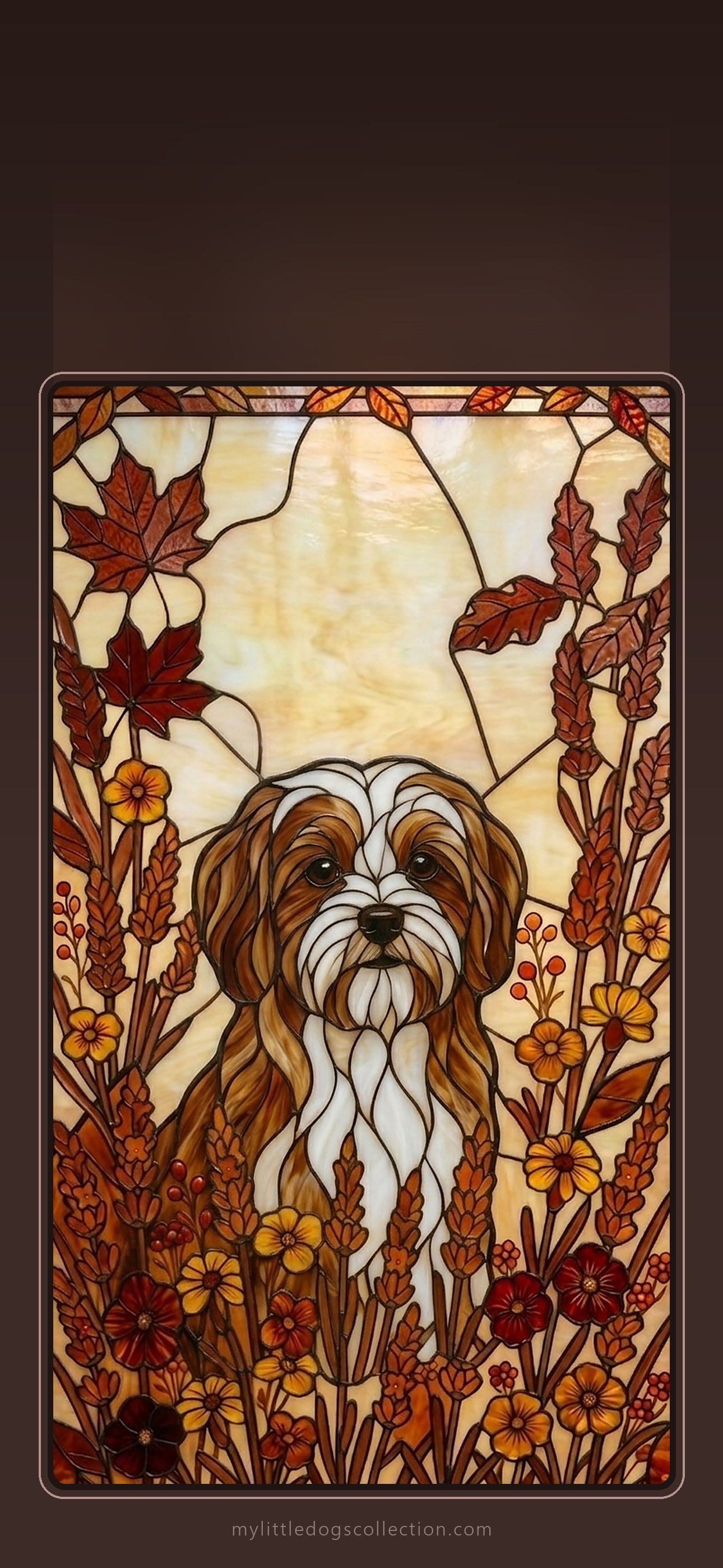
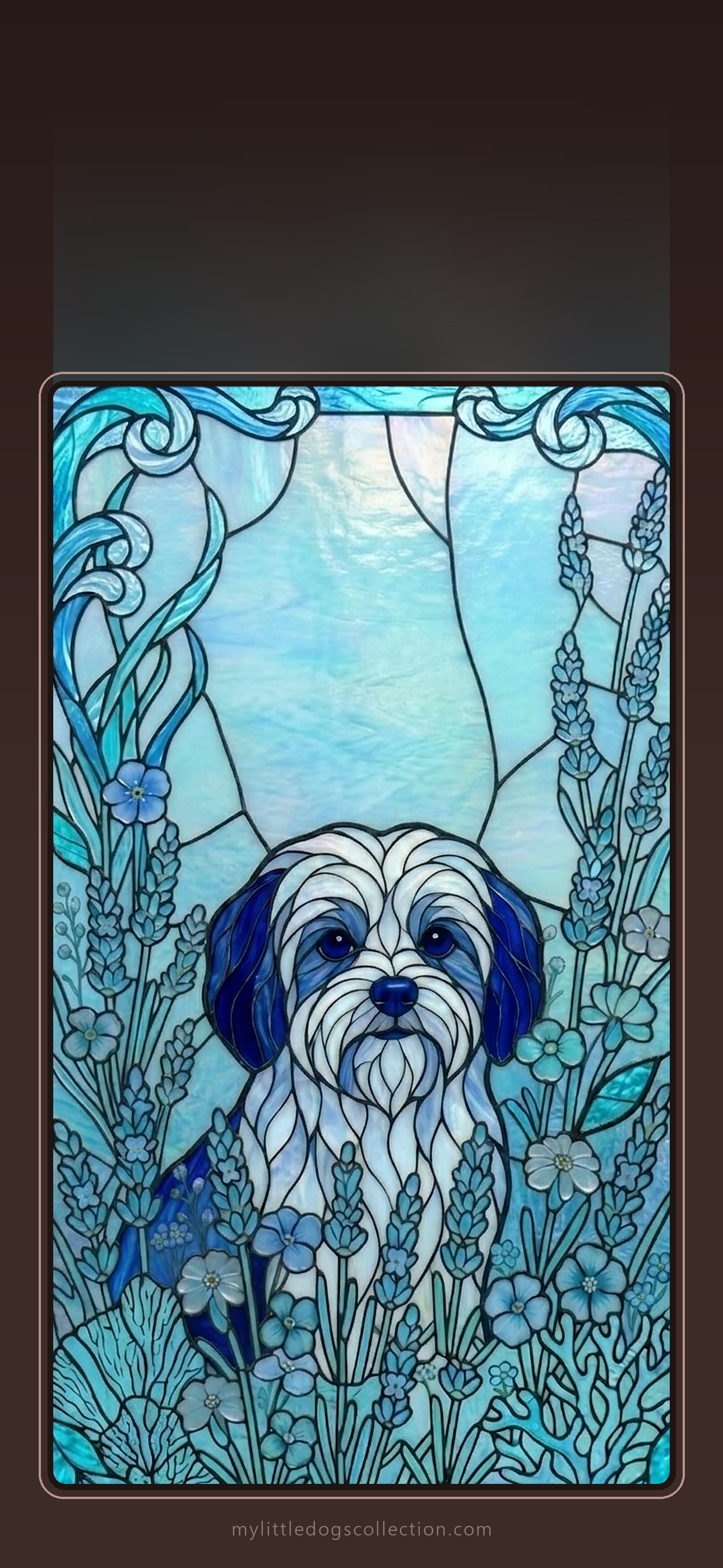
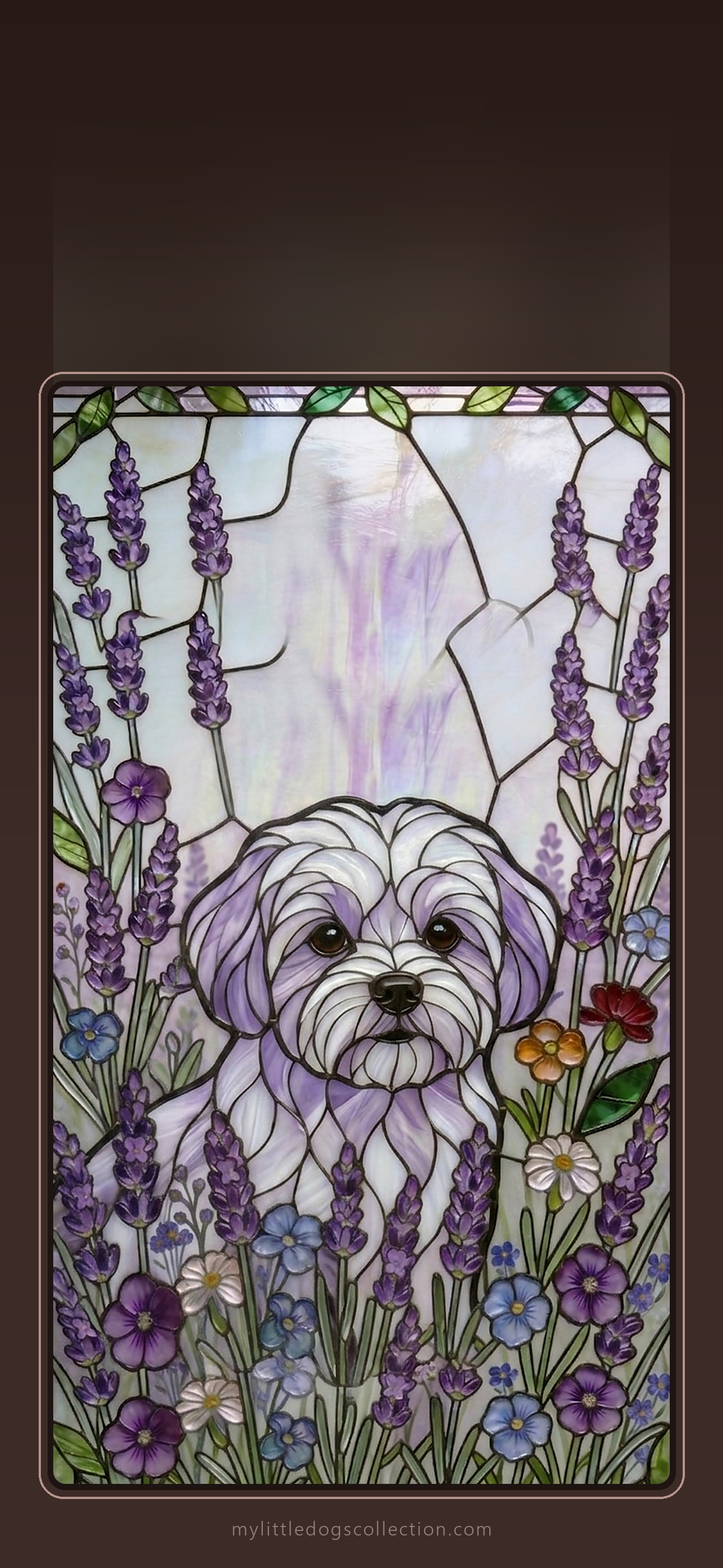
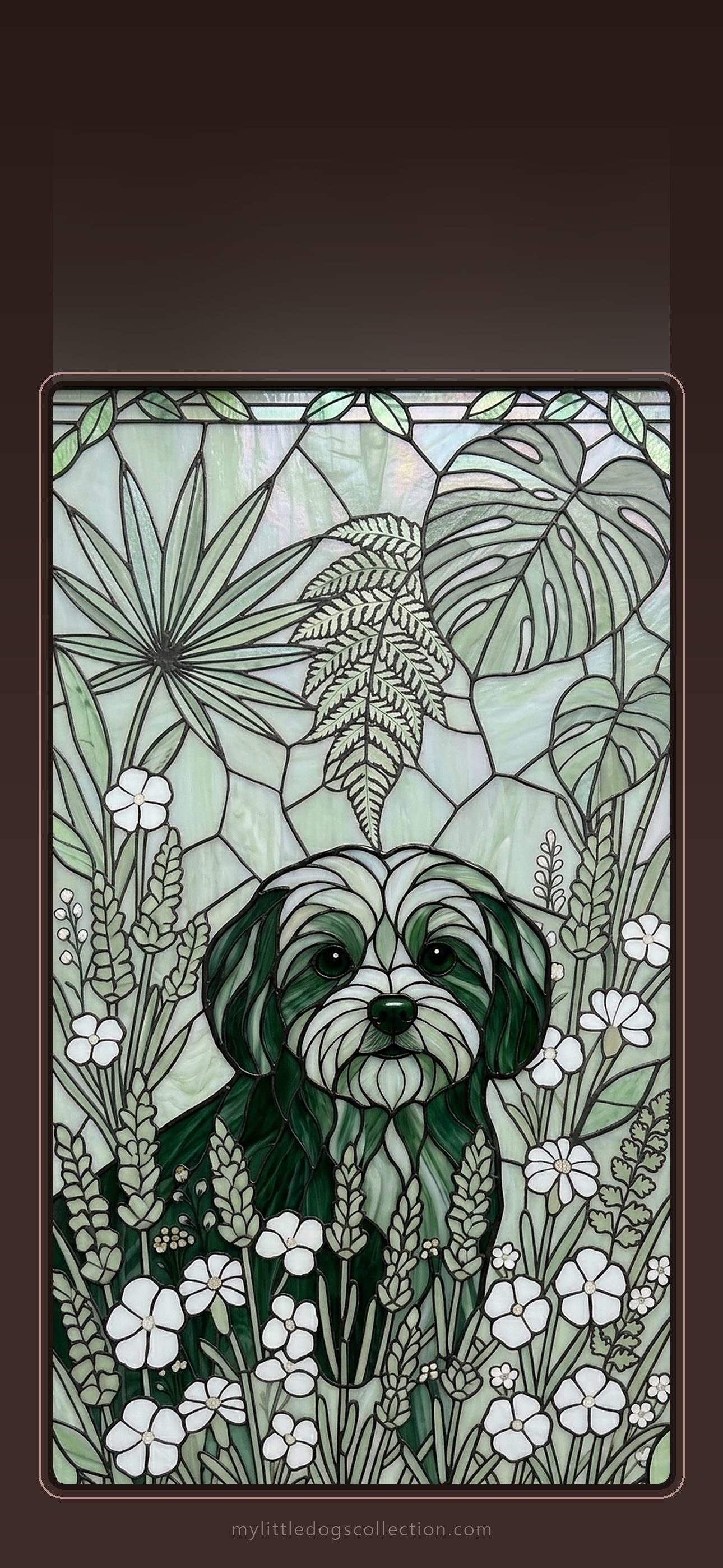
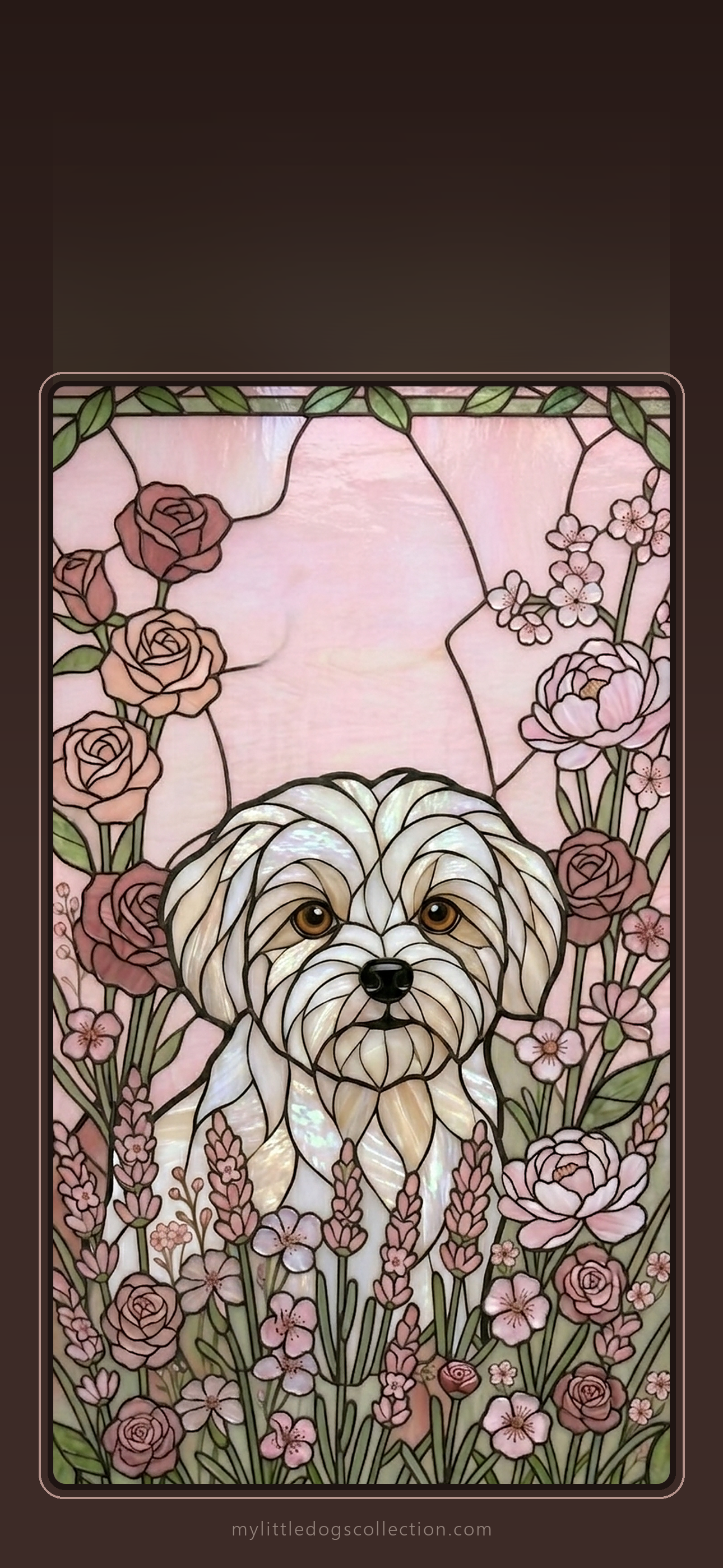
Love one? Get the matching phone case: Autumn Warmth · Ocean Blue · Lavender · Botanical Green · Rose Garden
Mini Pinscher lovers
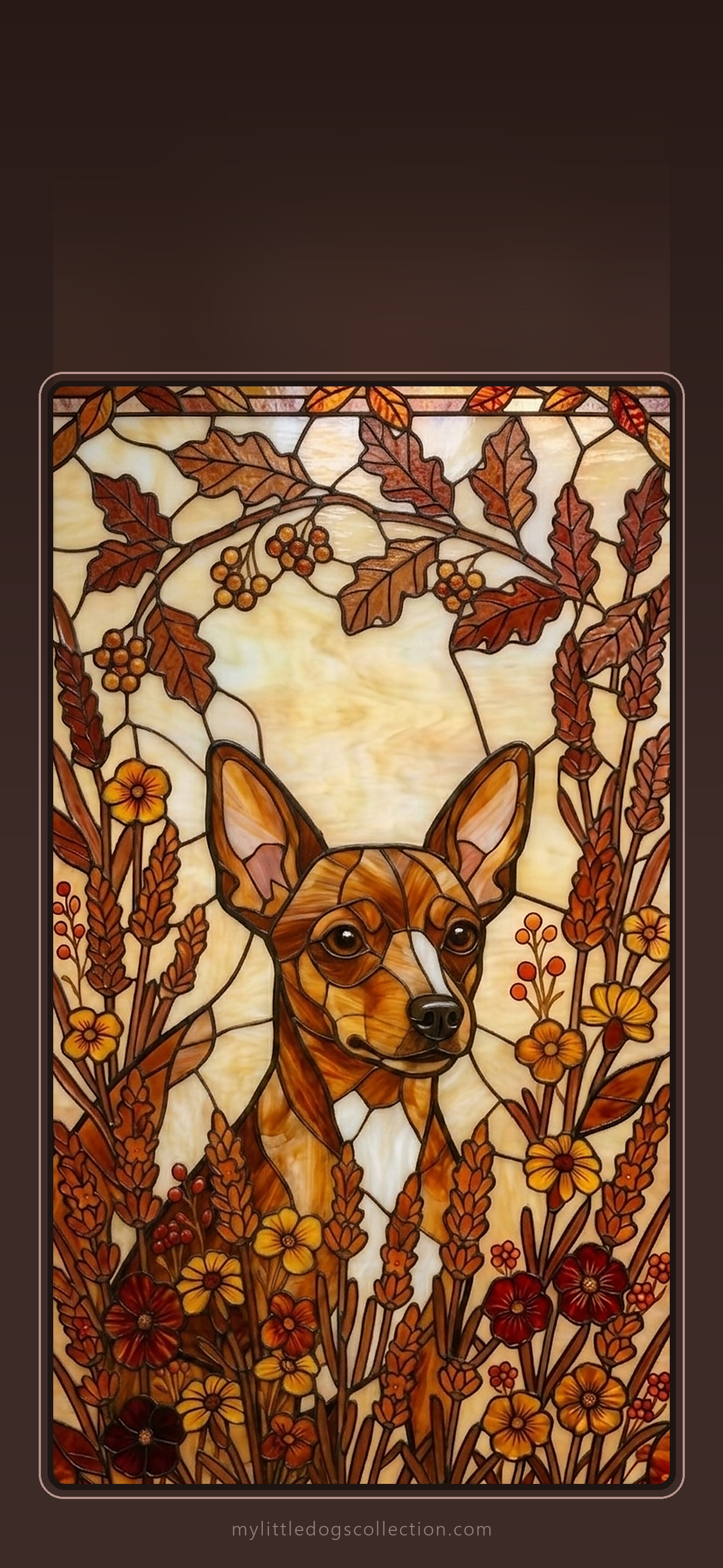
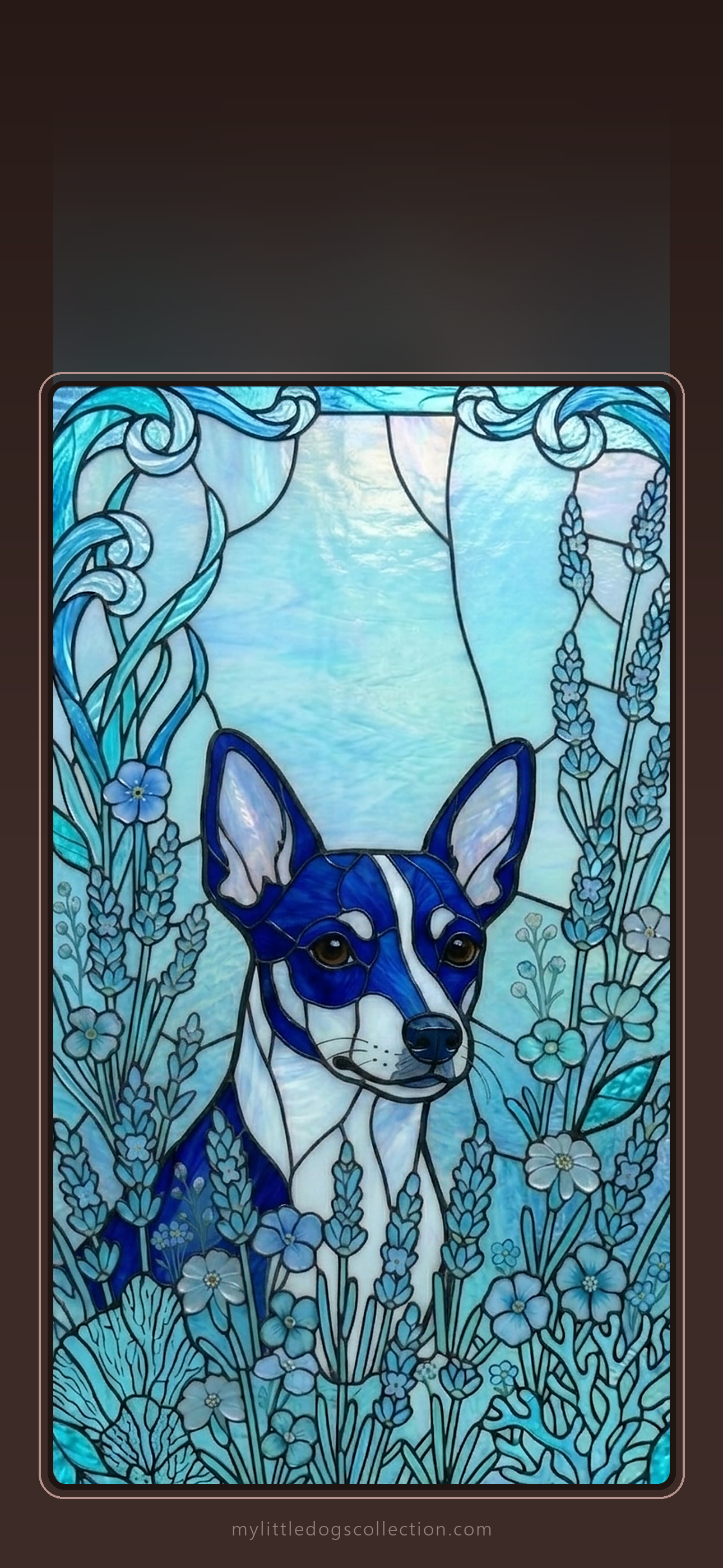
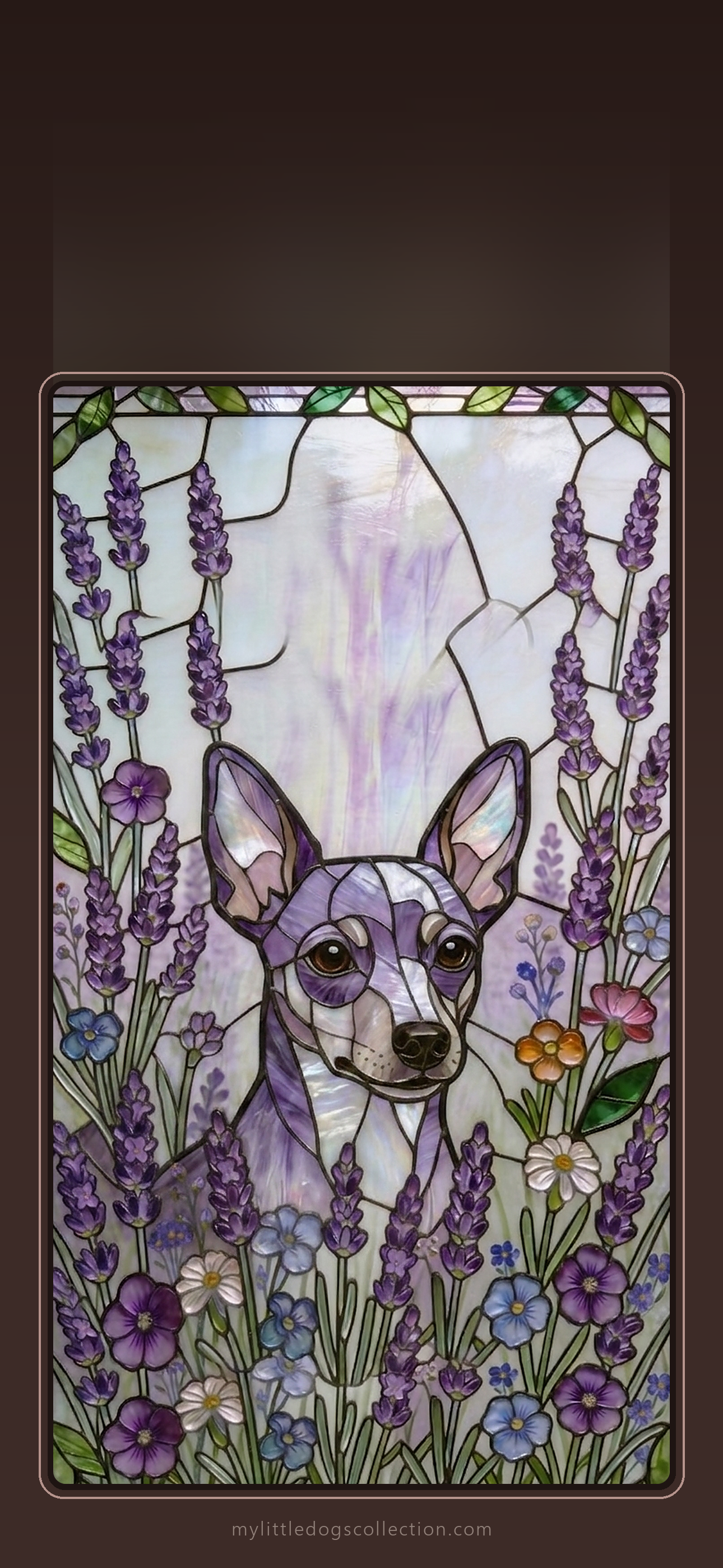
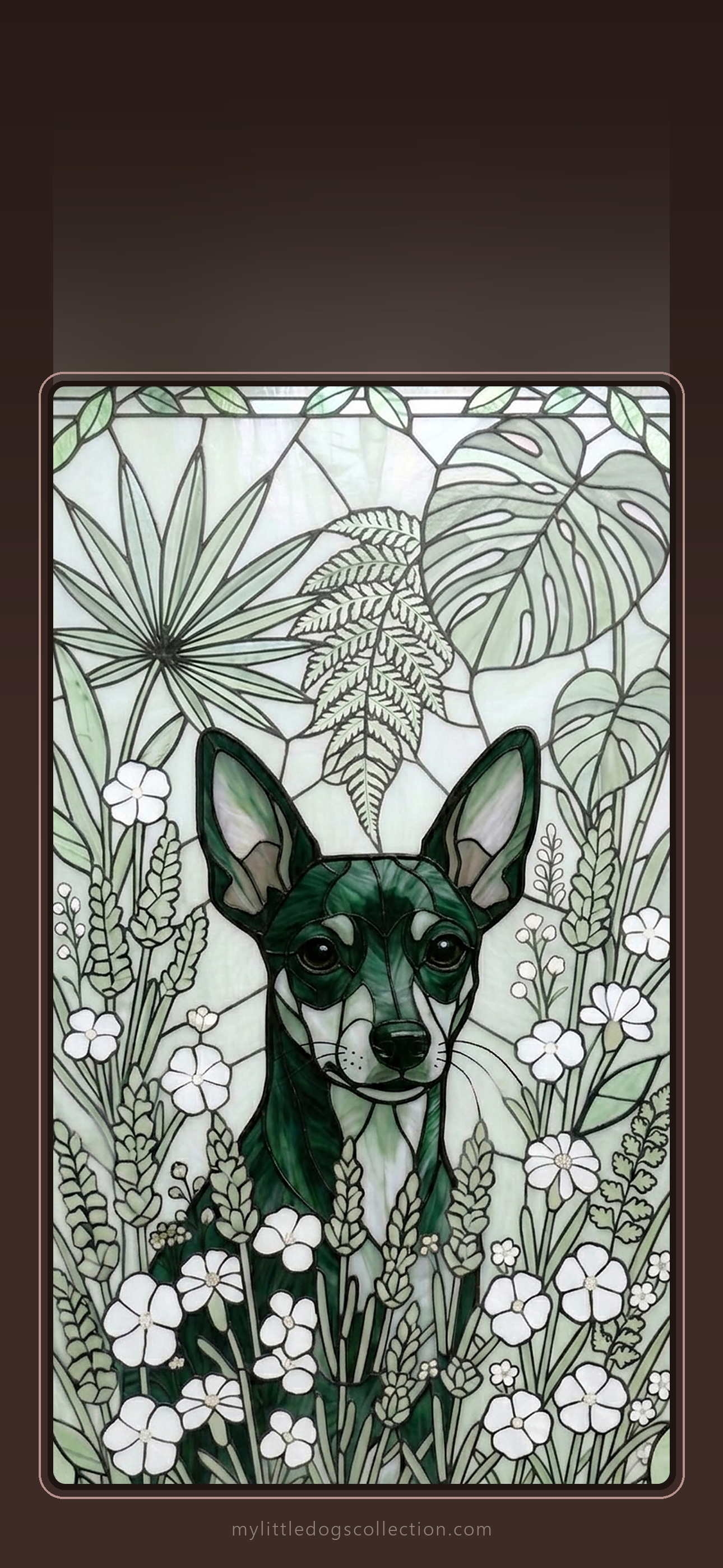
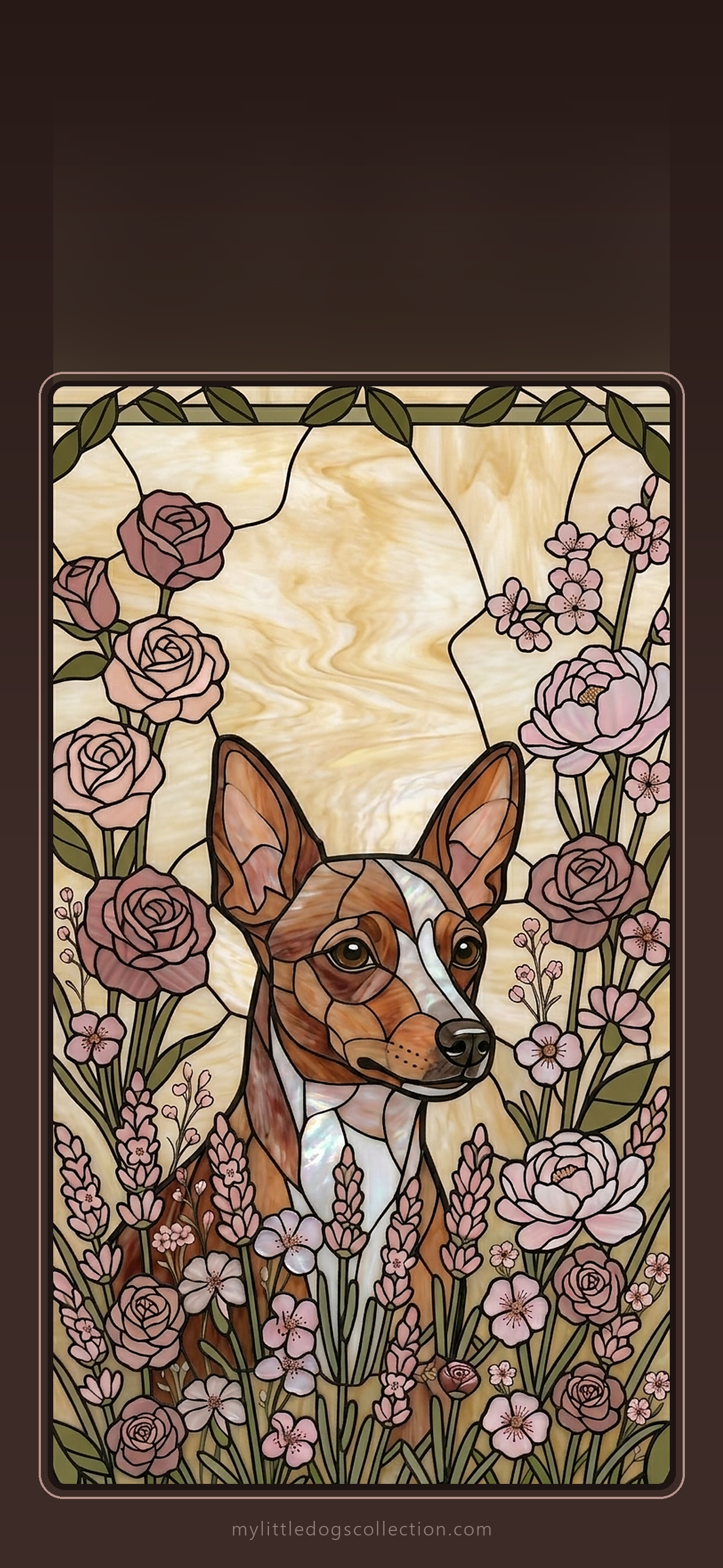
Love one? Get the matching phone case: Autumn Warmth · Ocean Blue · Lavender · Botanical Green · Rose Garden
Papillon lovers
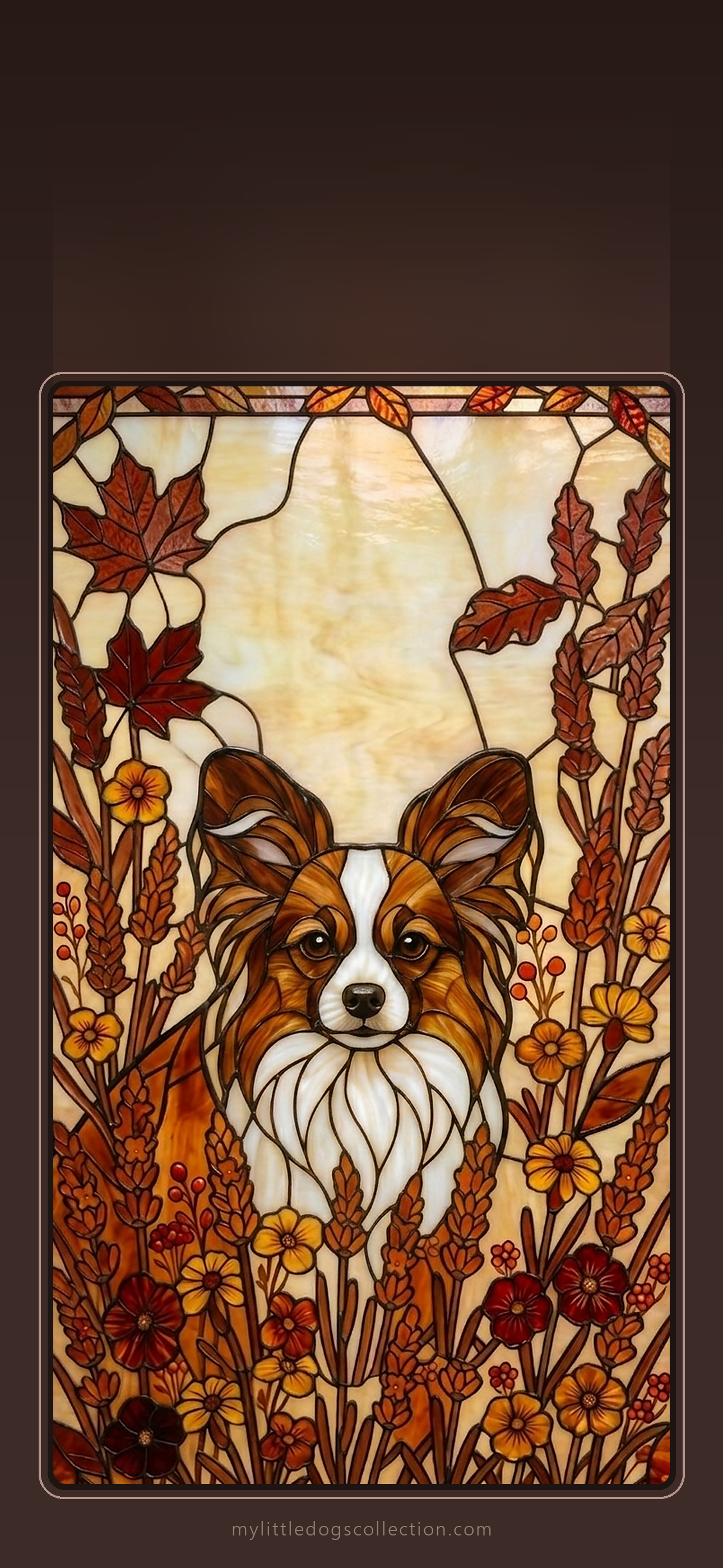
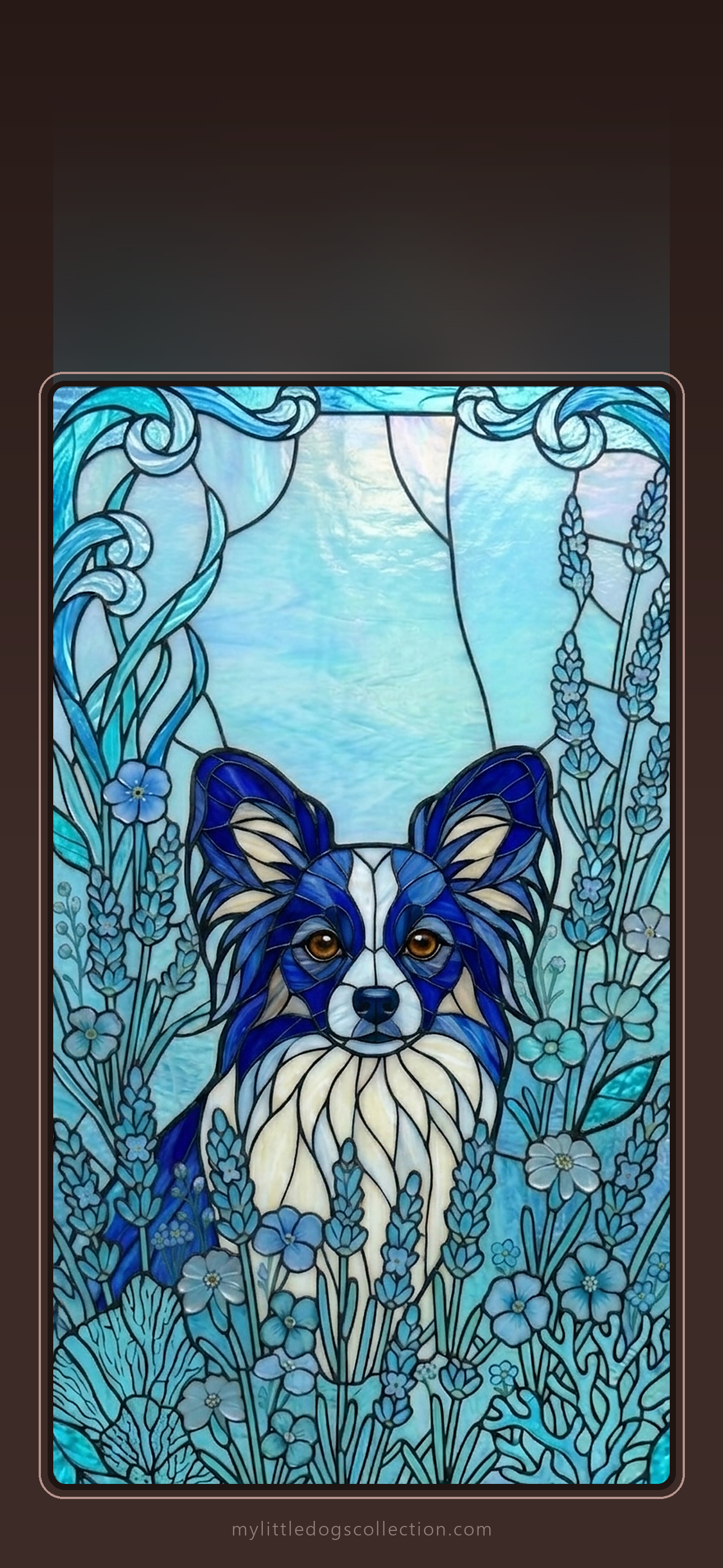
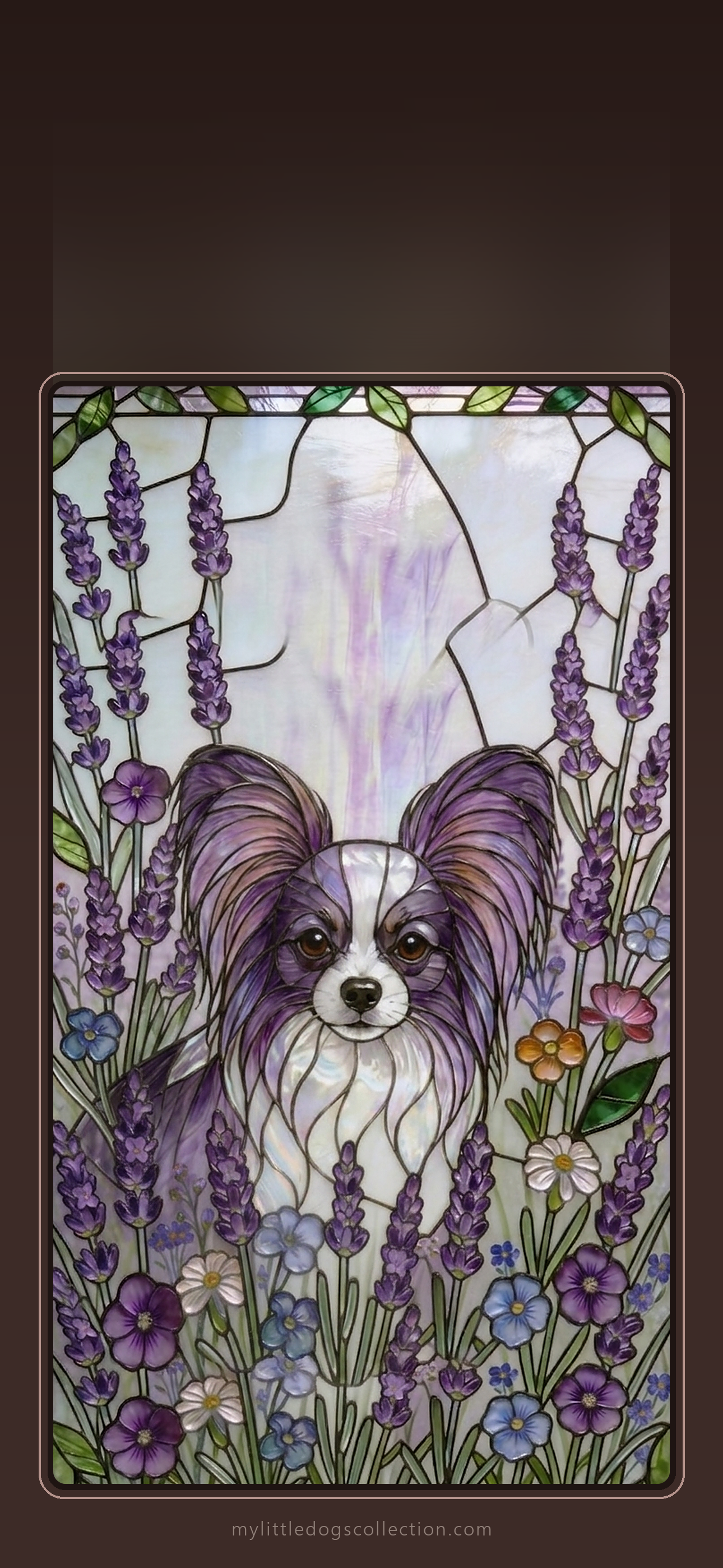
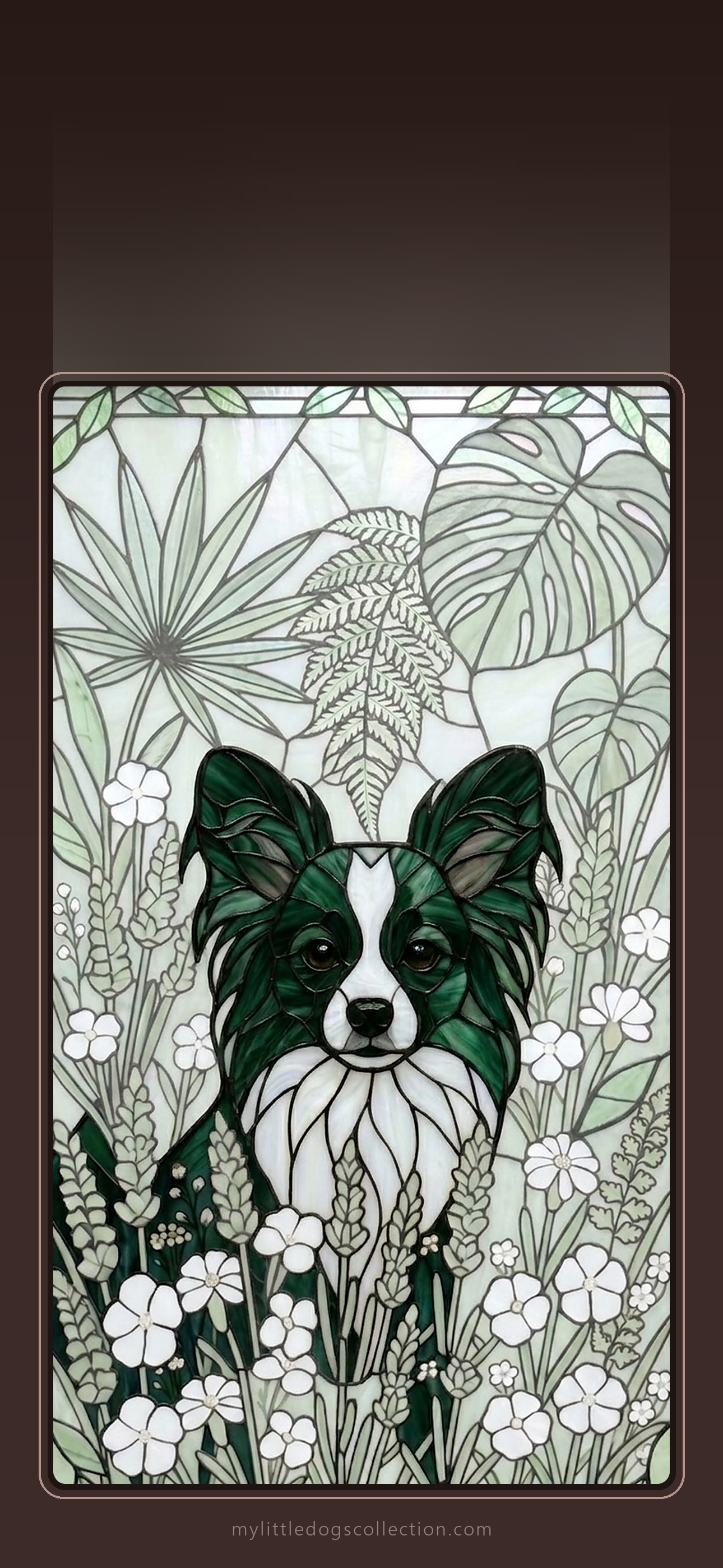
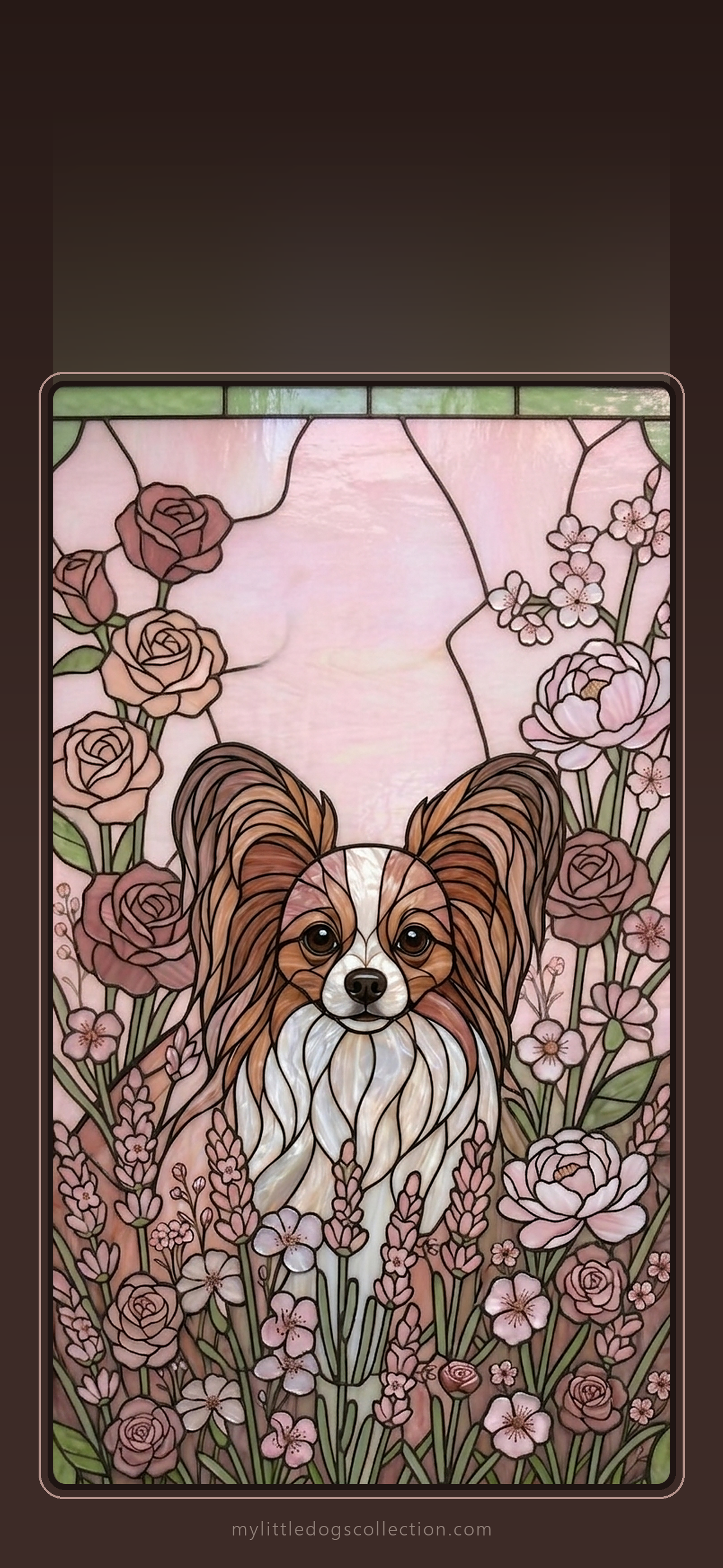
Love one? Get the matching phone case: Autumn Warmth · Ocean Blue · Lavender · Botanical Green · Rose Garden
Pomeranian lovers
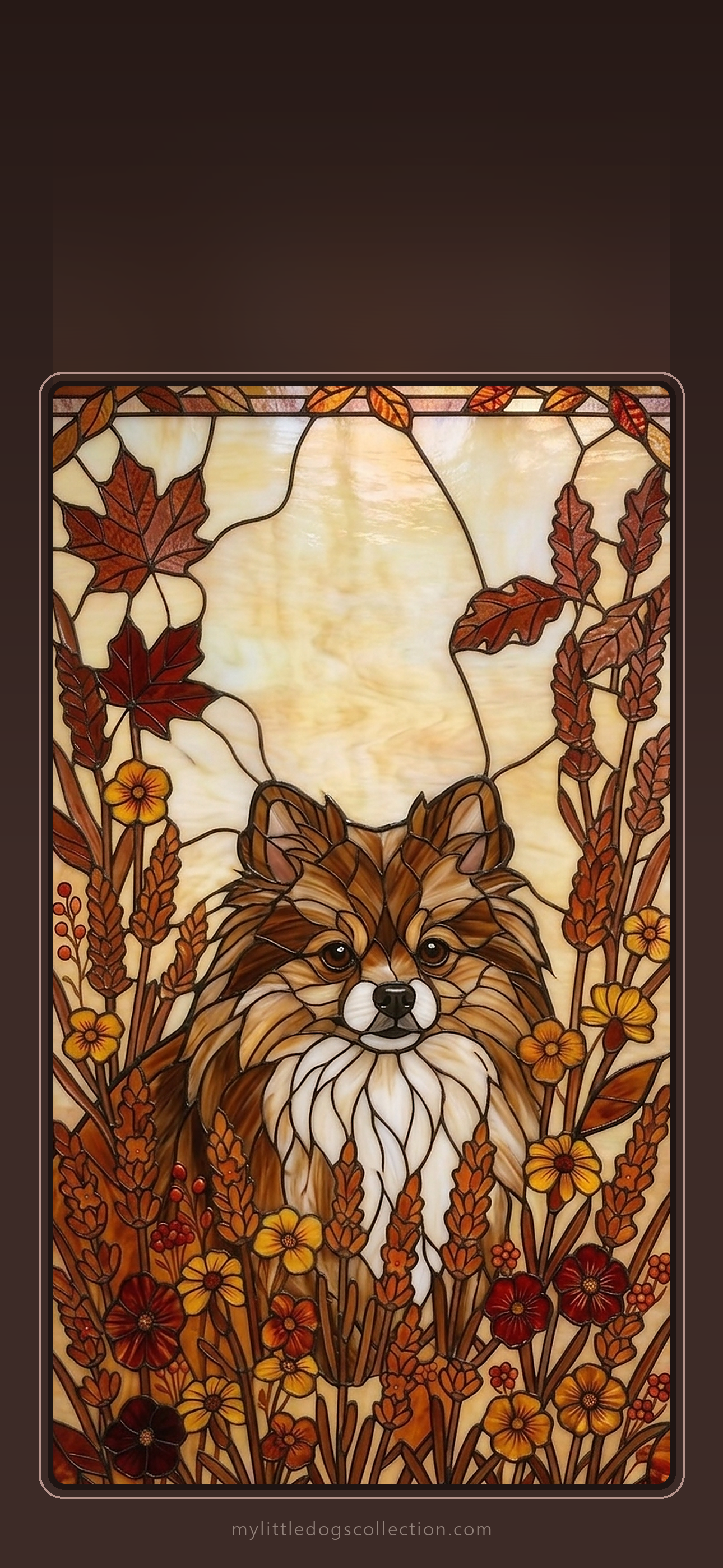
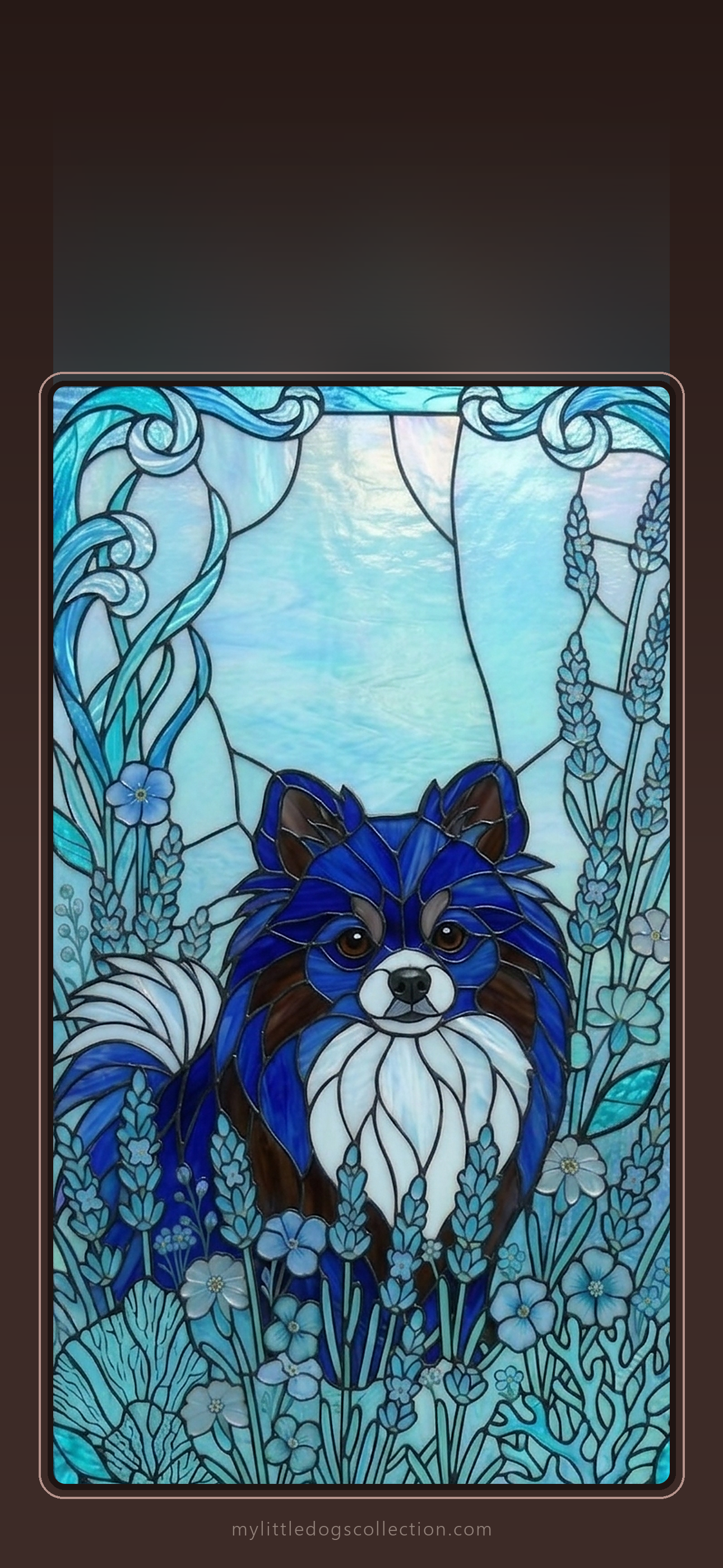
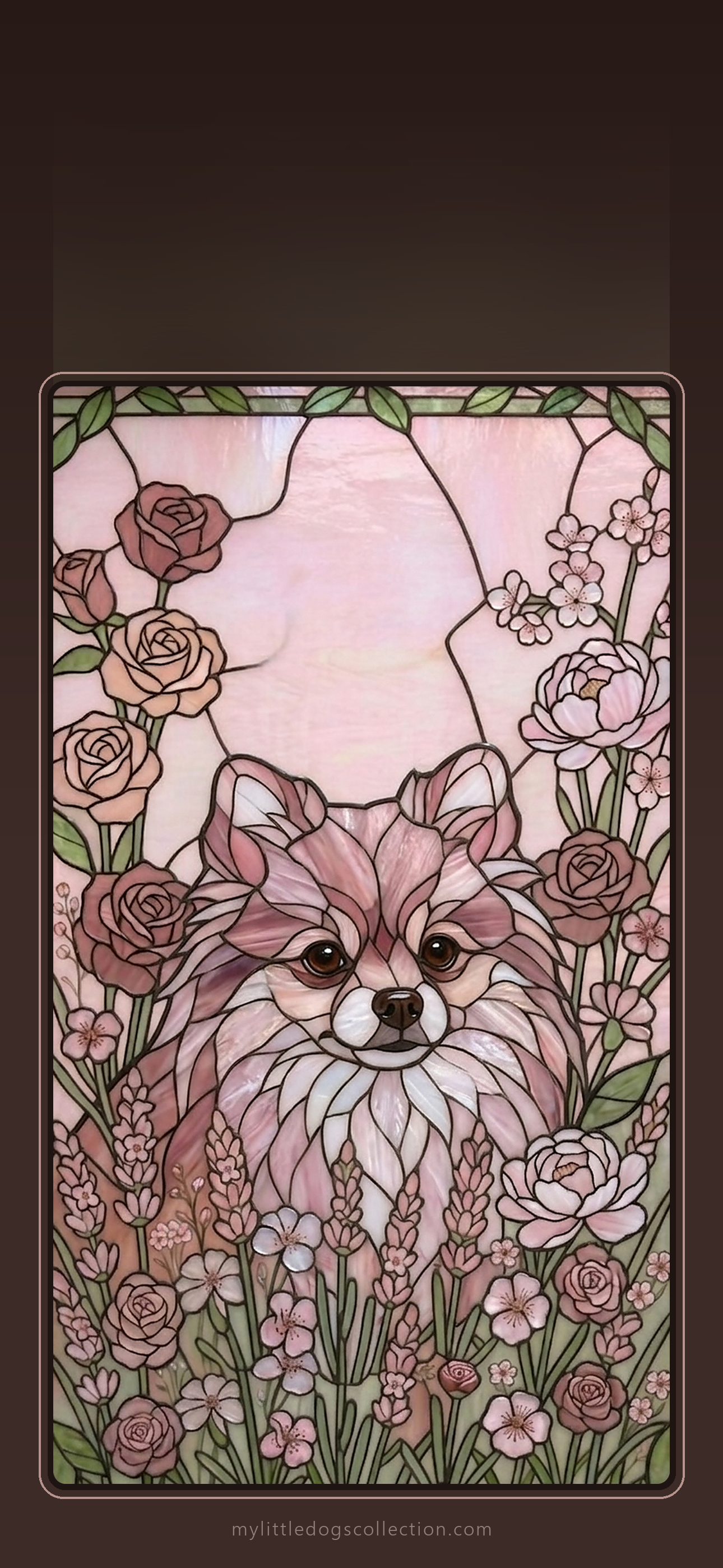
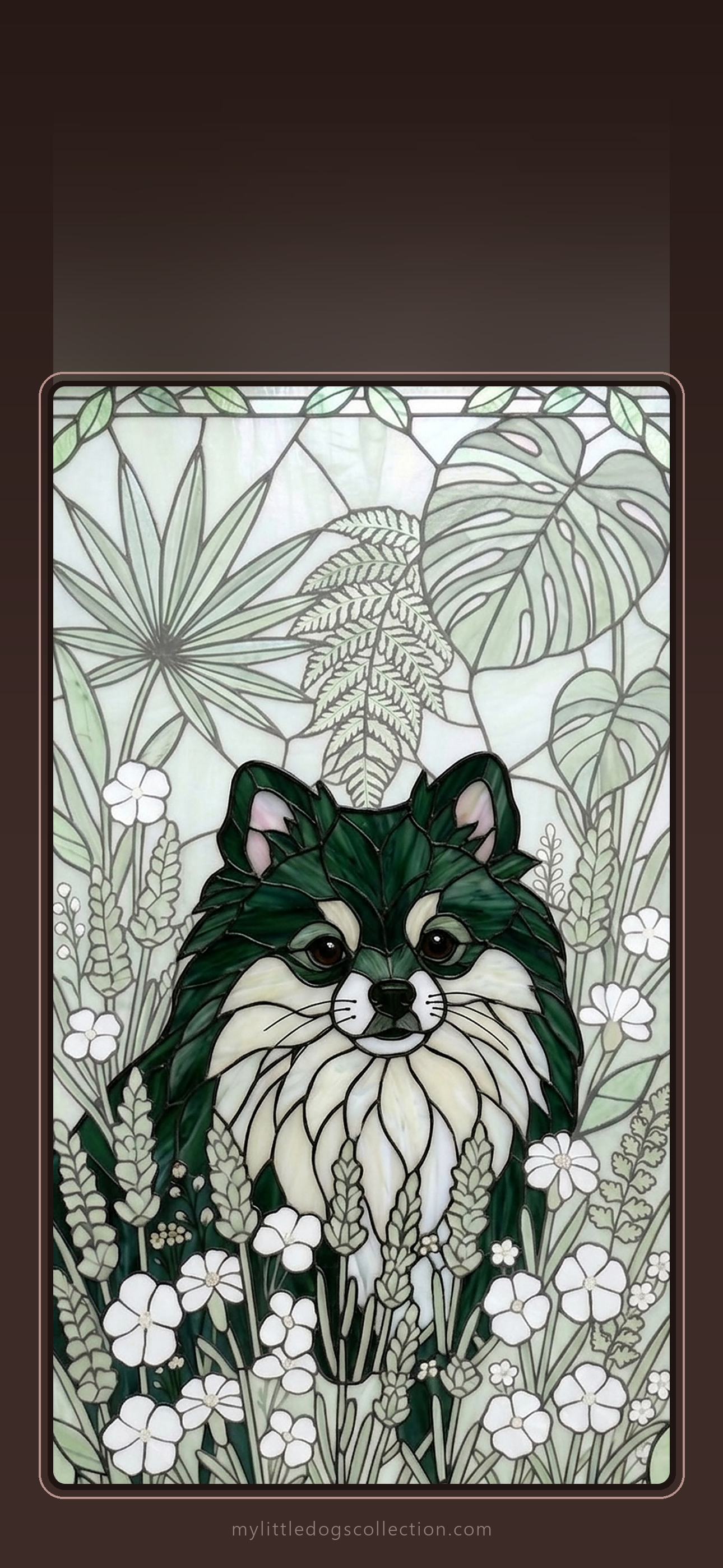
Love one? Get the matching phone case: Autumn Warmth · Ocean Blue · Rose Garden · Botanical Green
Shih Tzu lovers
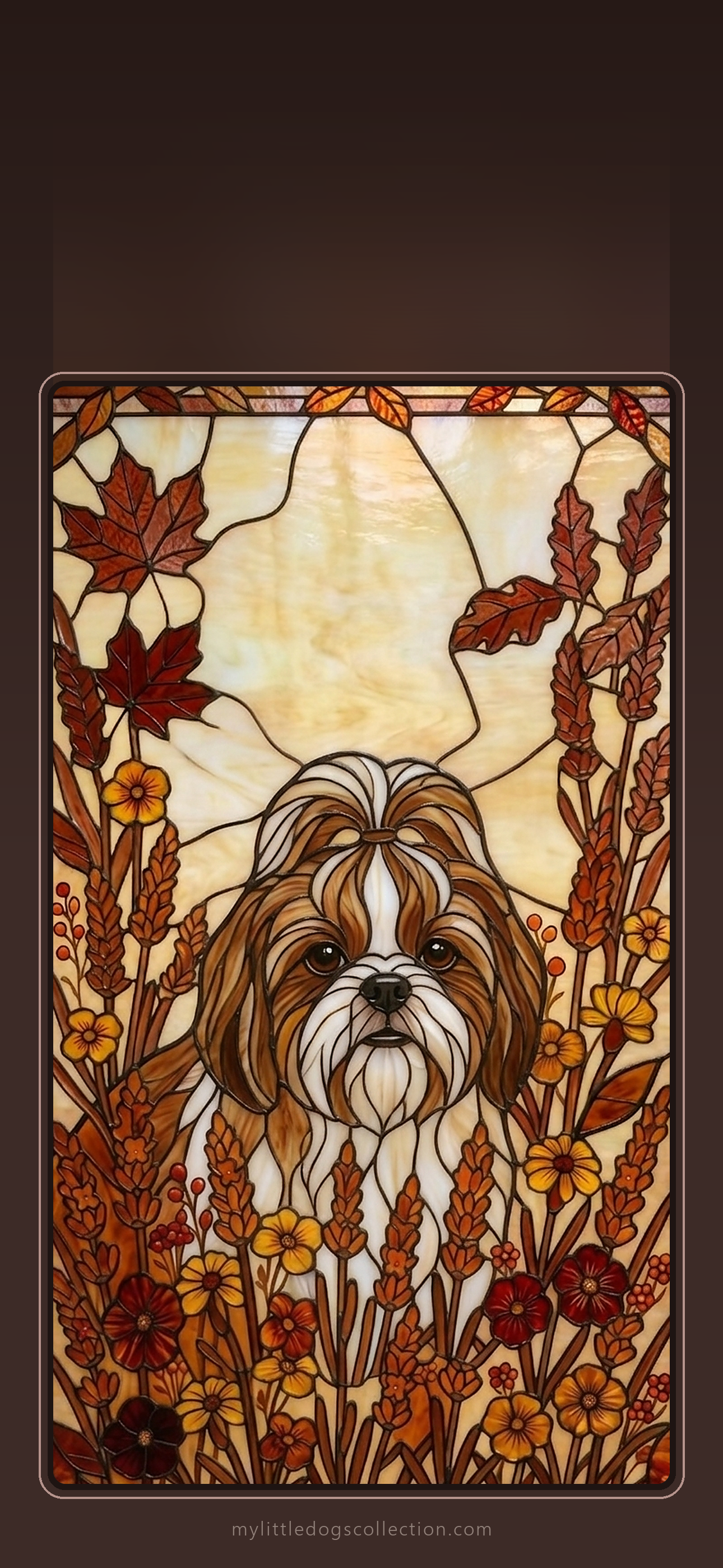
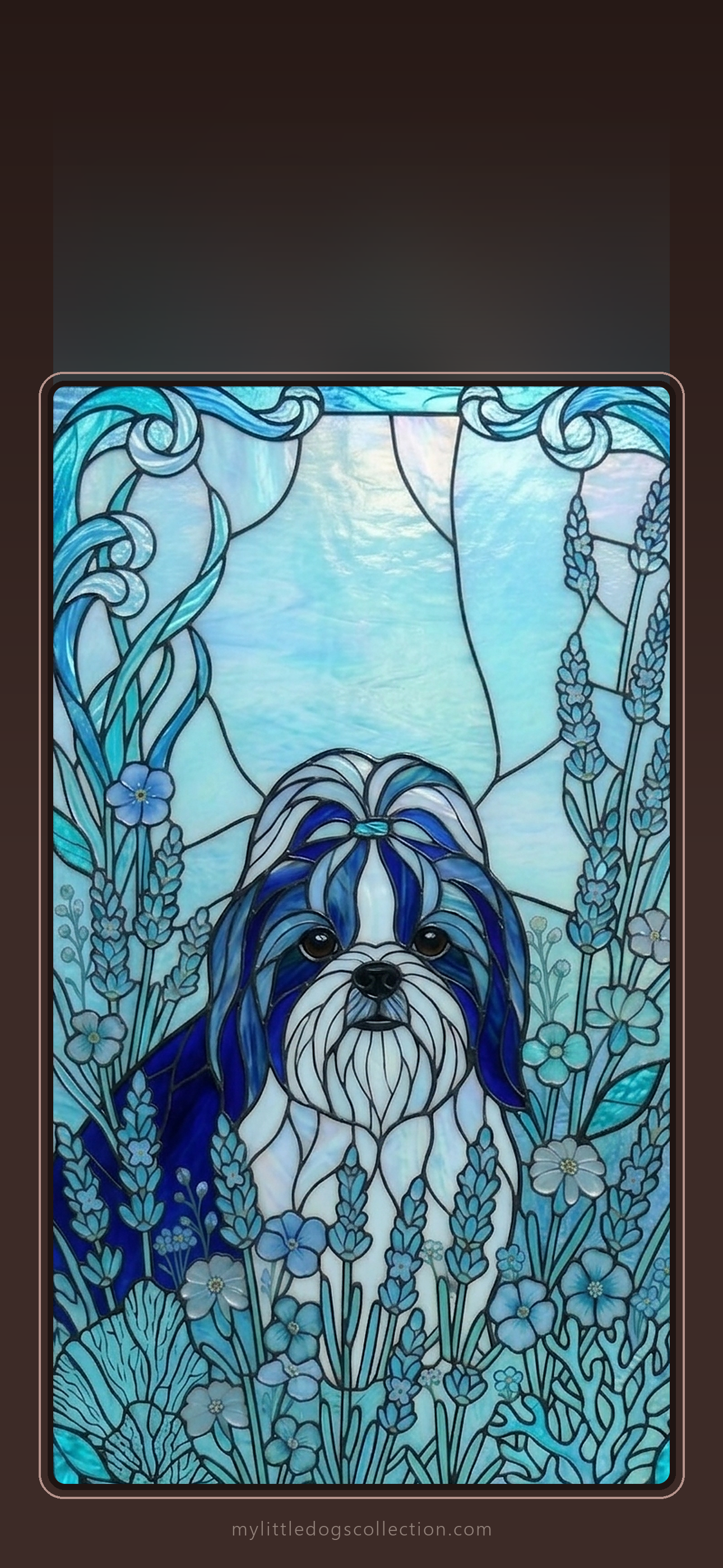
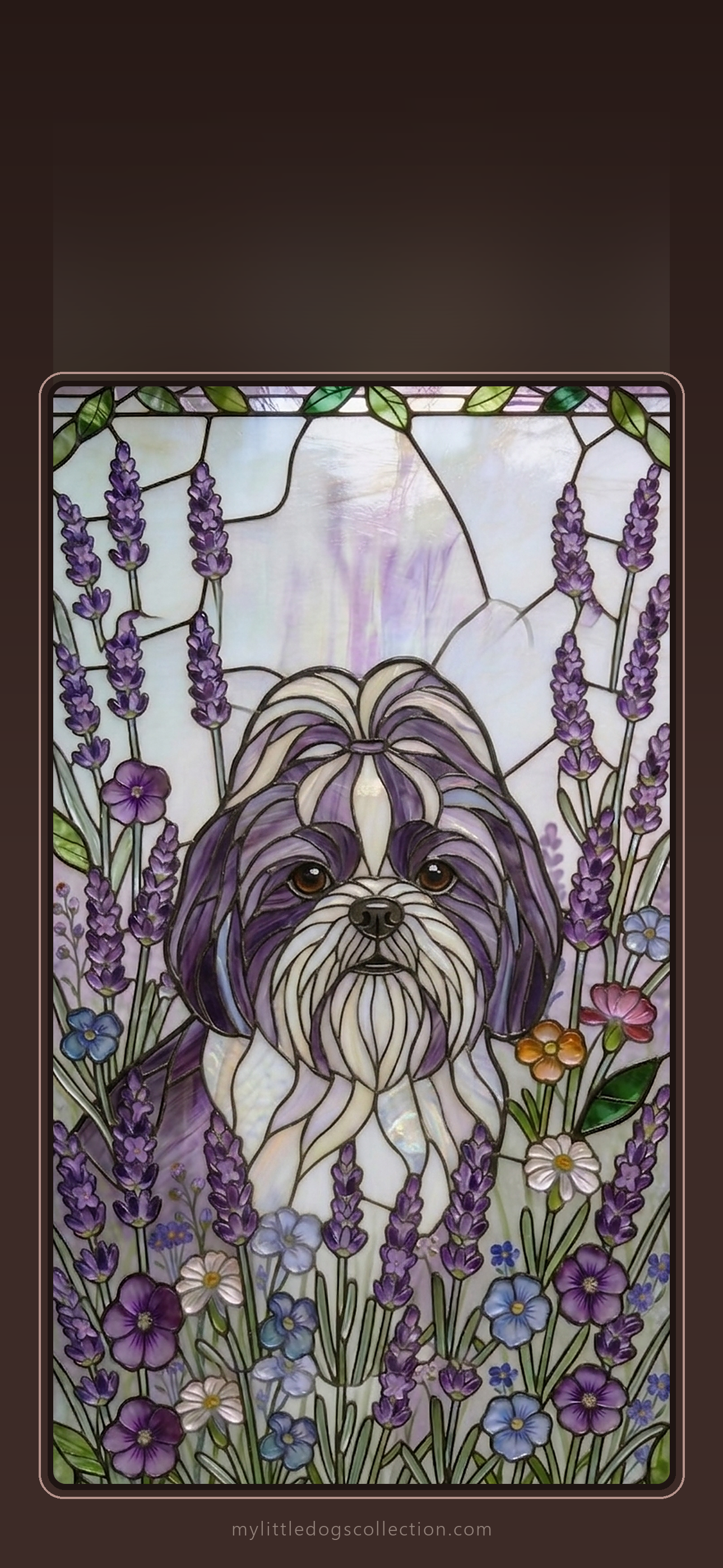
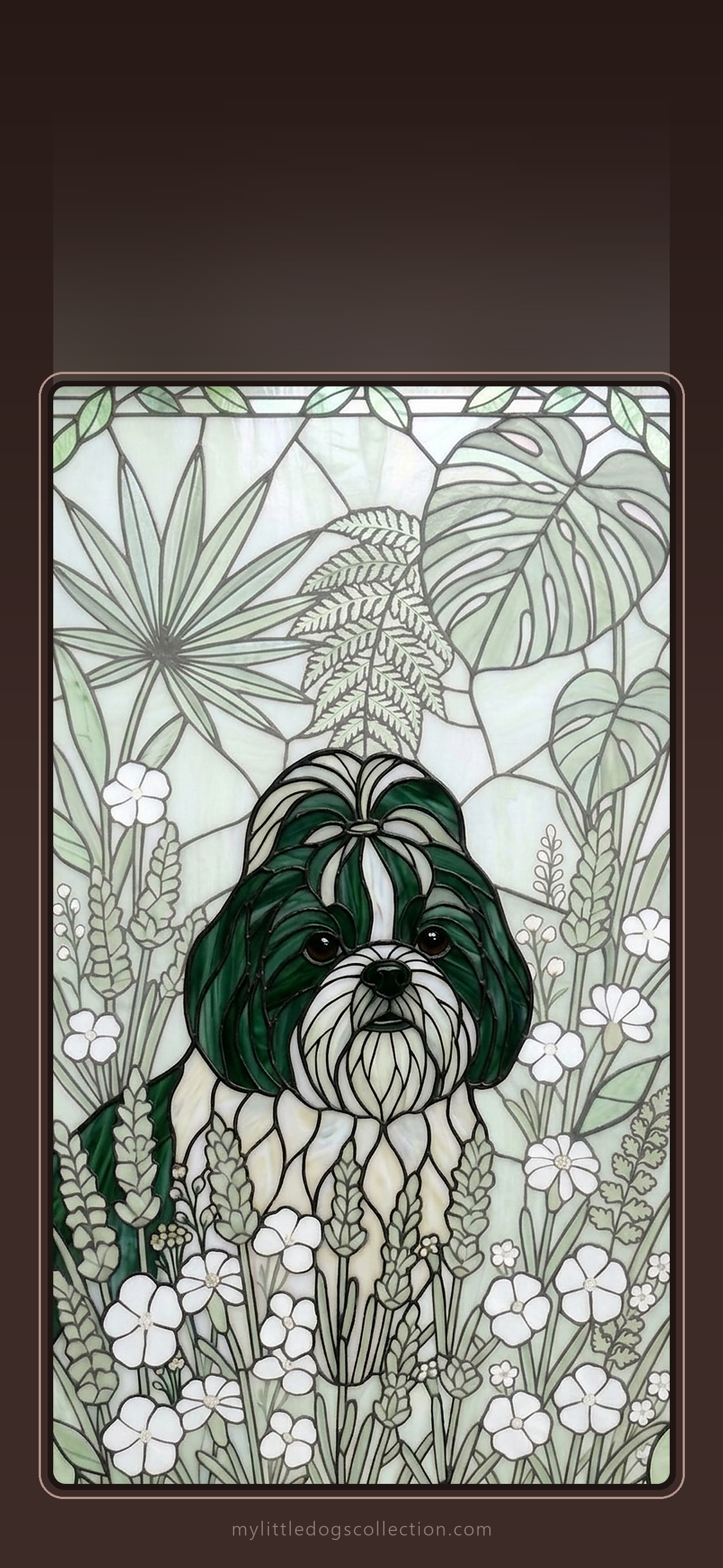
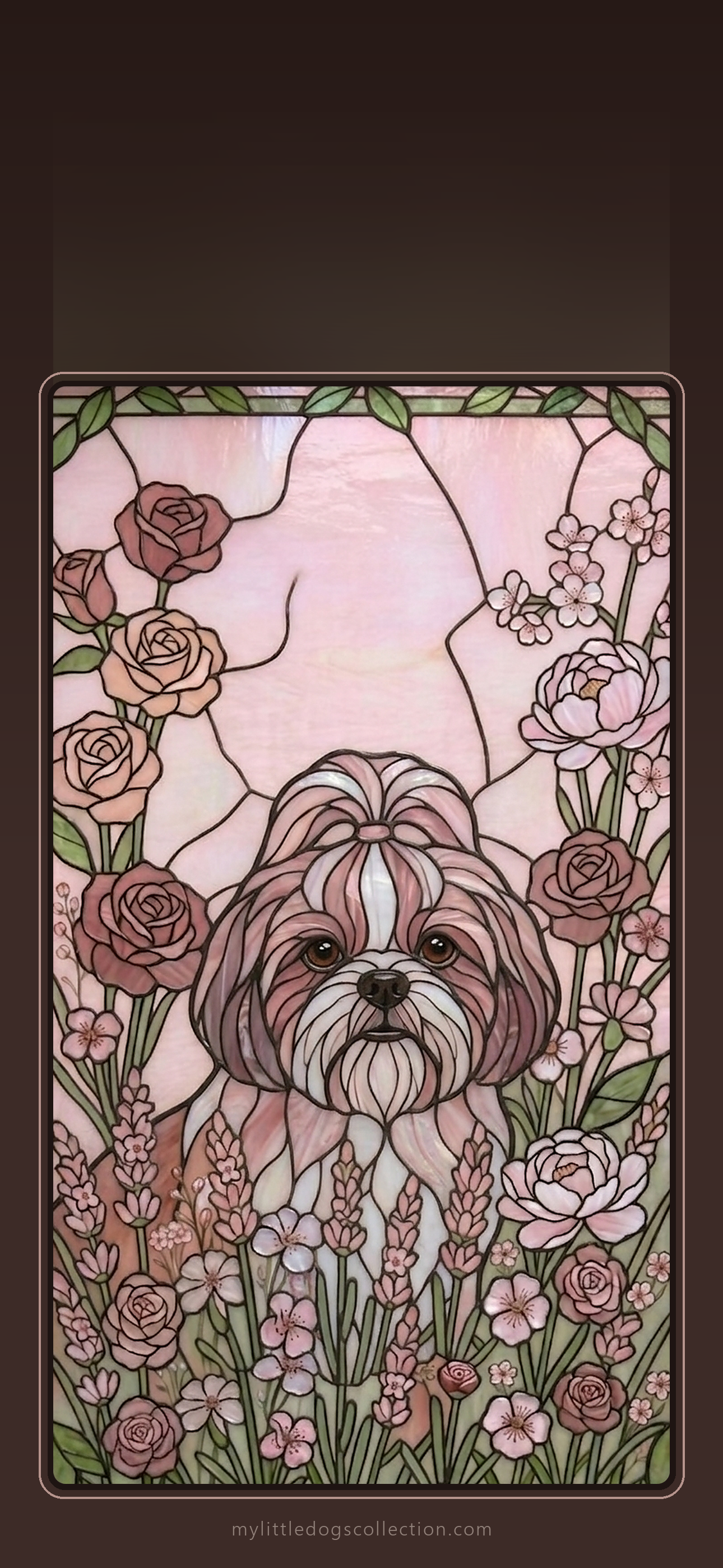
Love one? Get the matching phone case: Autumn Warmth · Ocean Blue · Lavender · Botanical Green · Rose Garden
Toy Poodle lovers
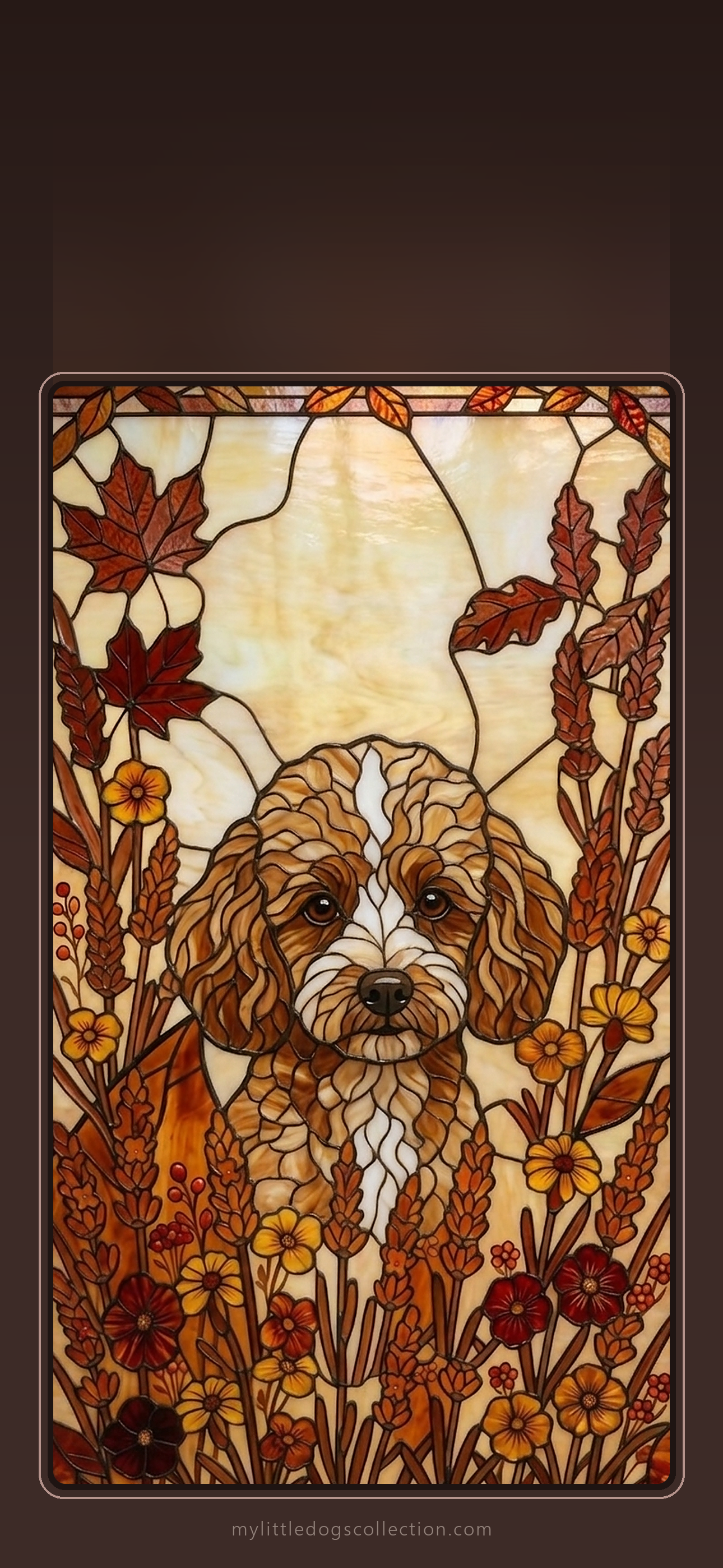
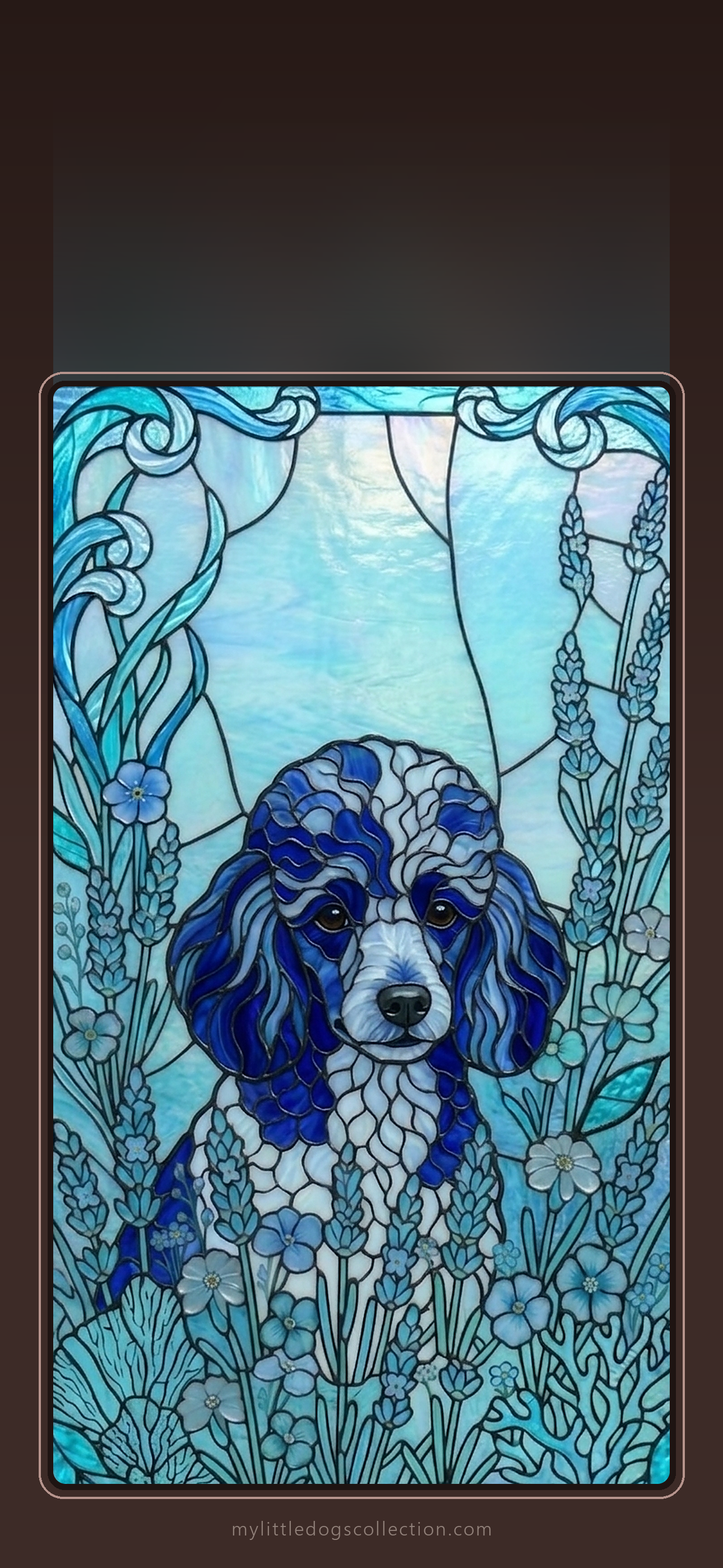
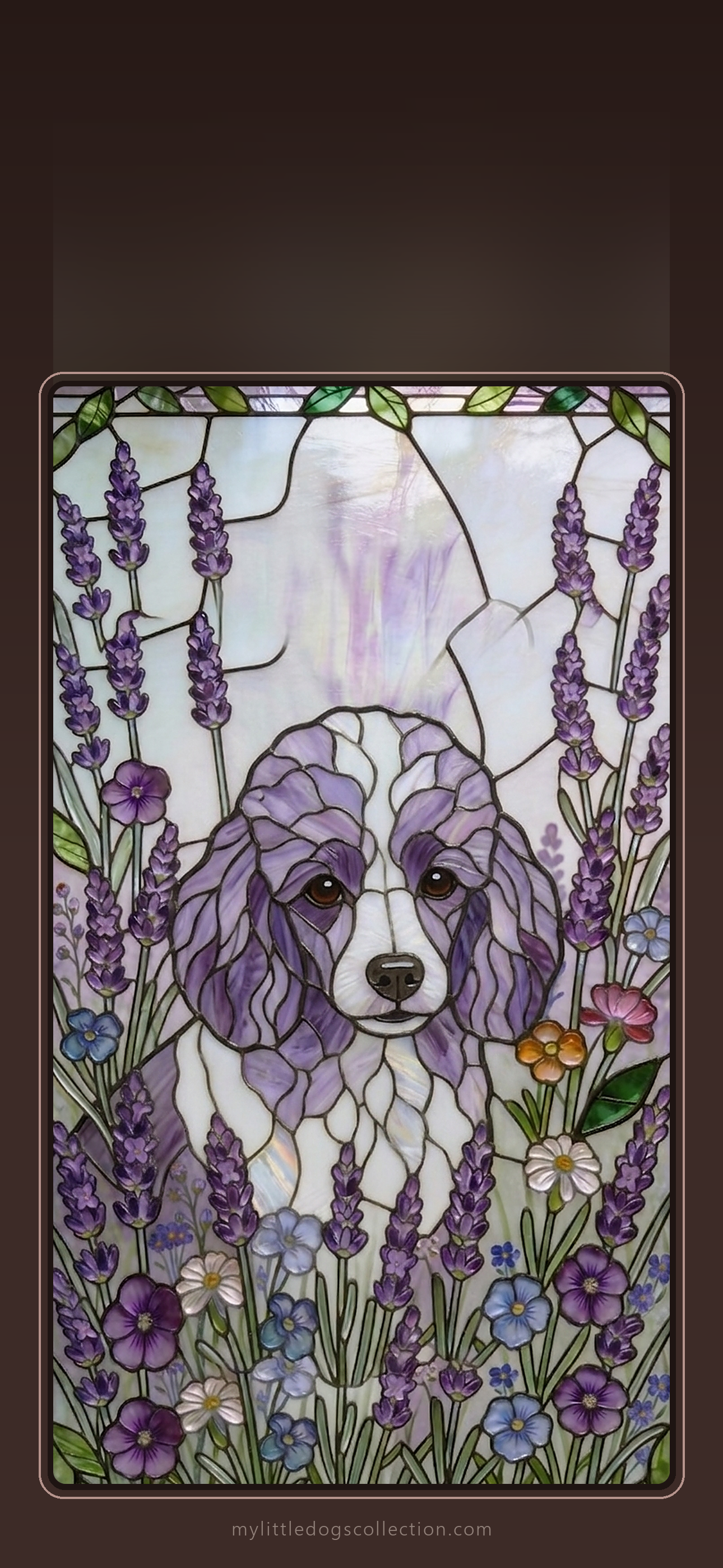
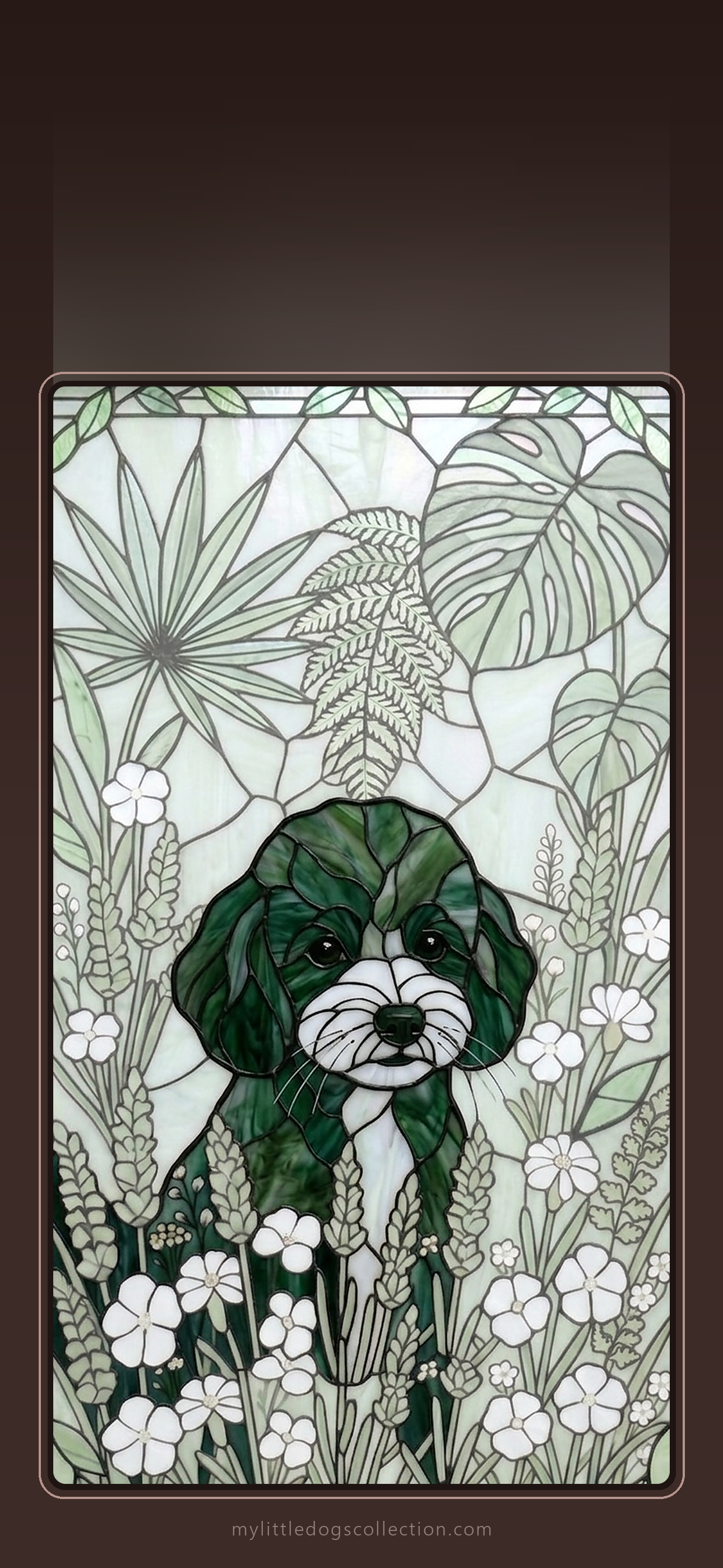
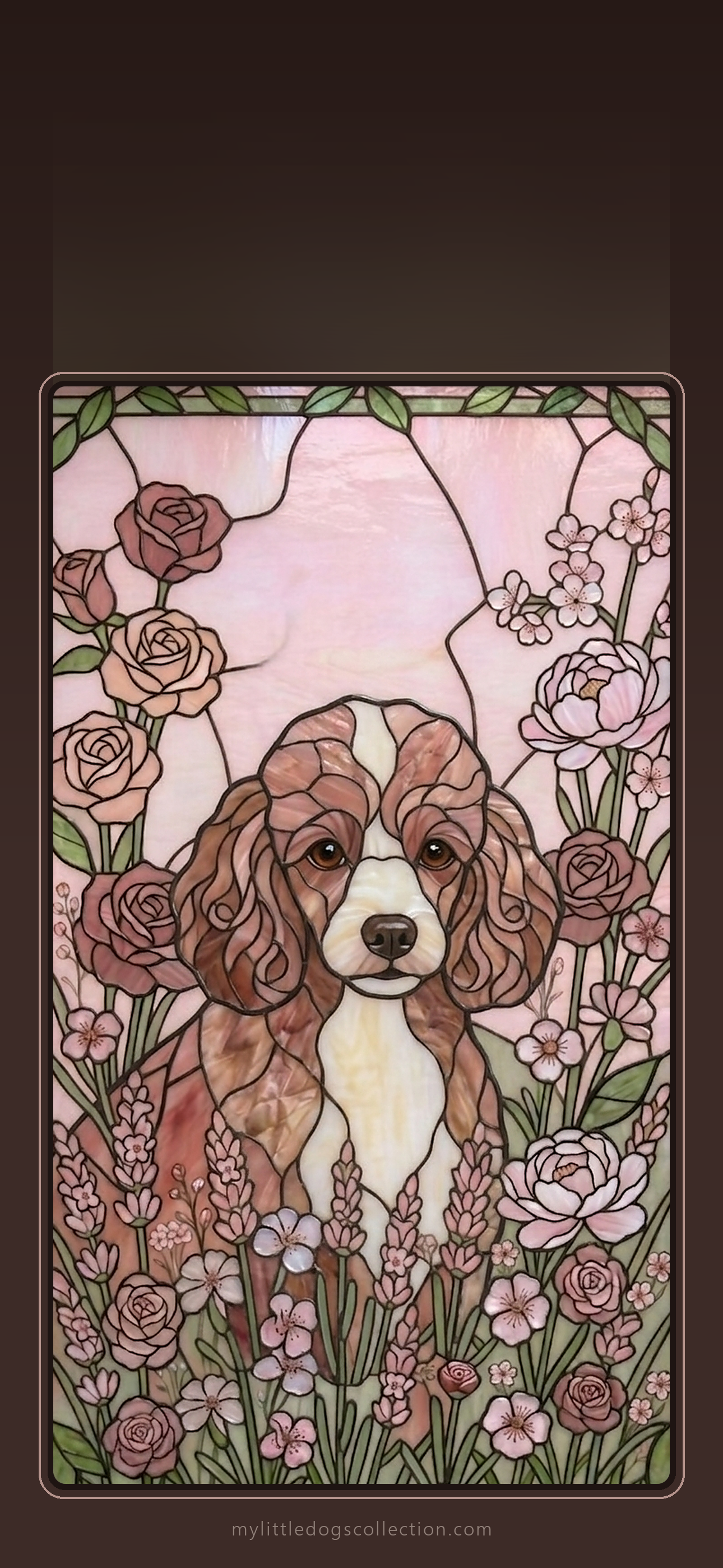
Love one? Get the matching phone case: Autumn Warmth · Ocean Blue · Lavender · Botanical Green · Rose Garden
Yorkie lovers
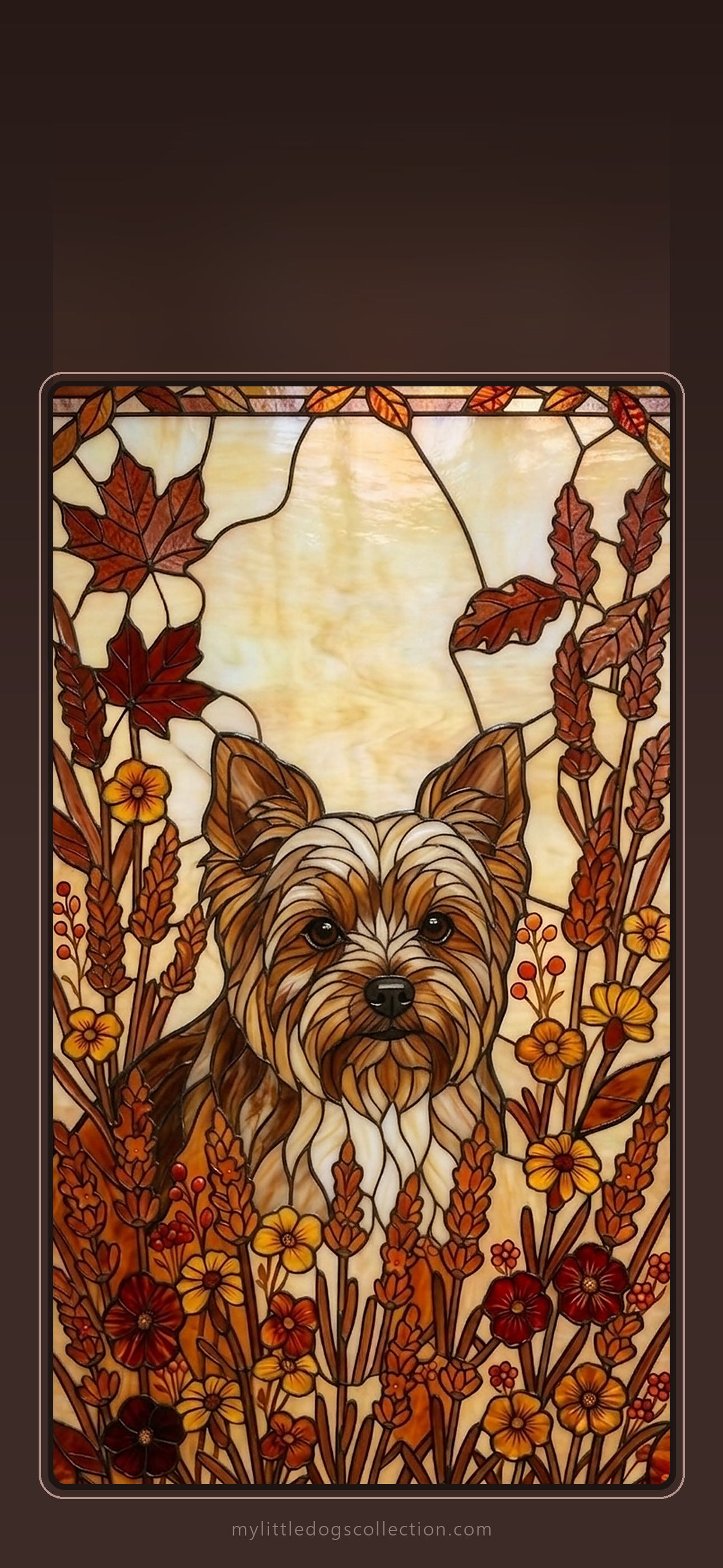
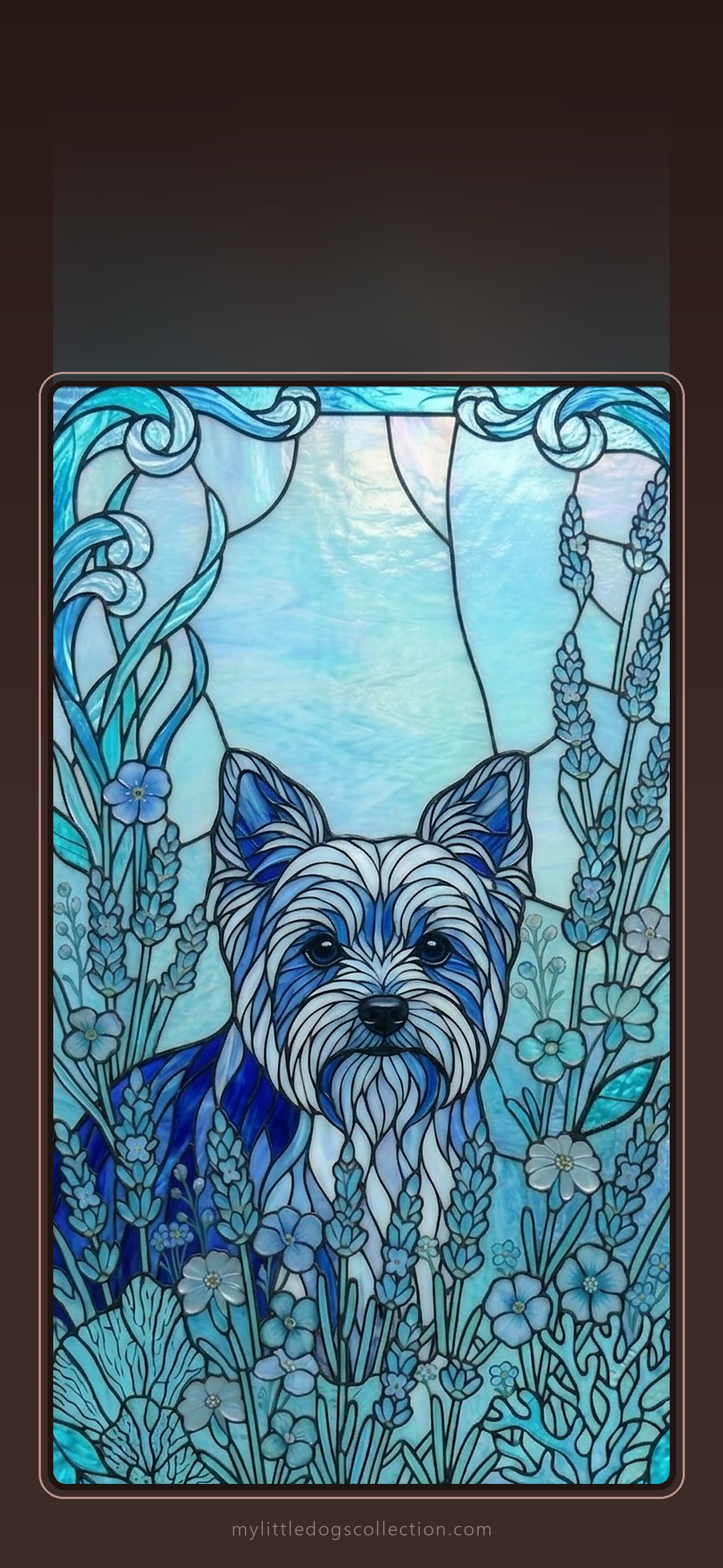
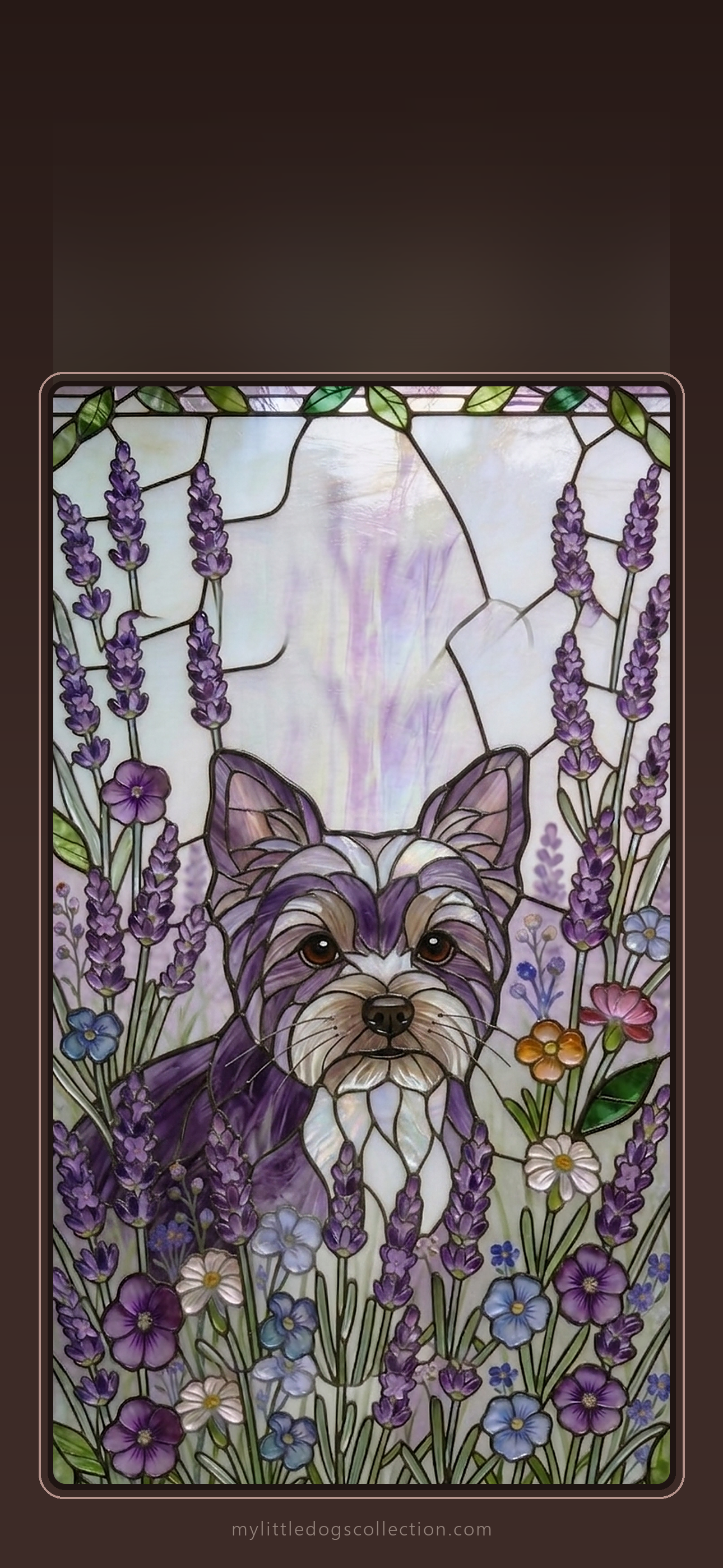
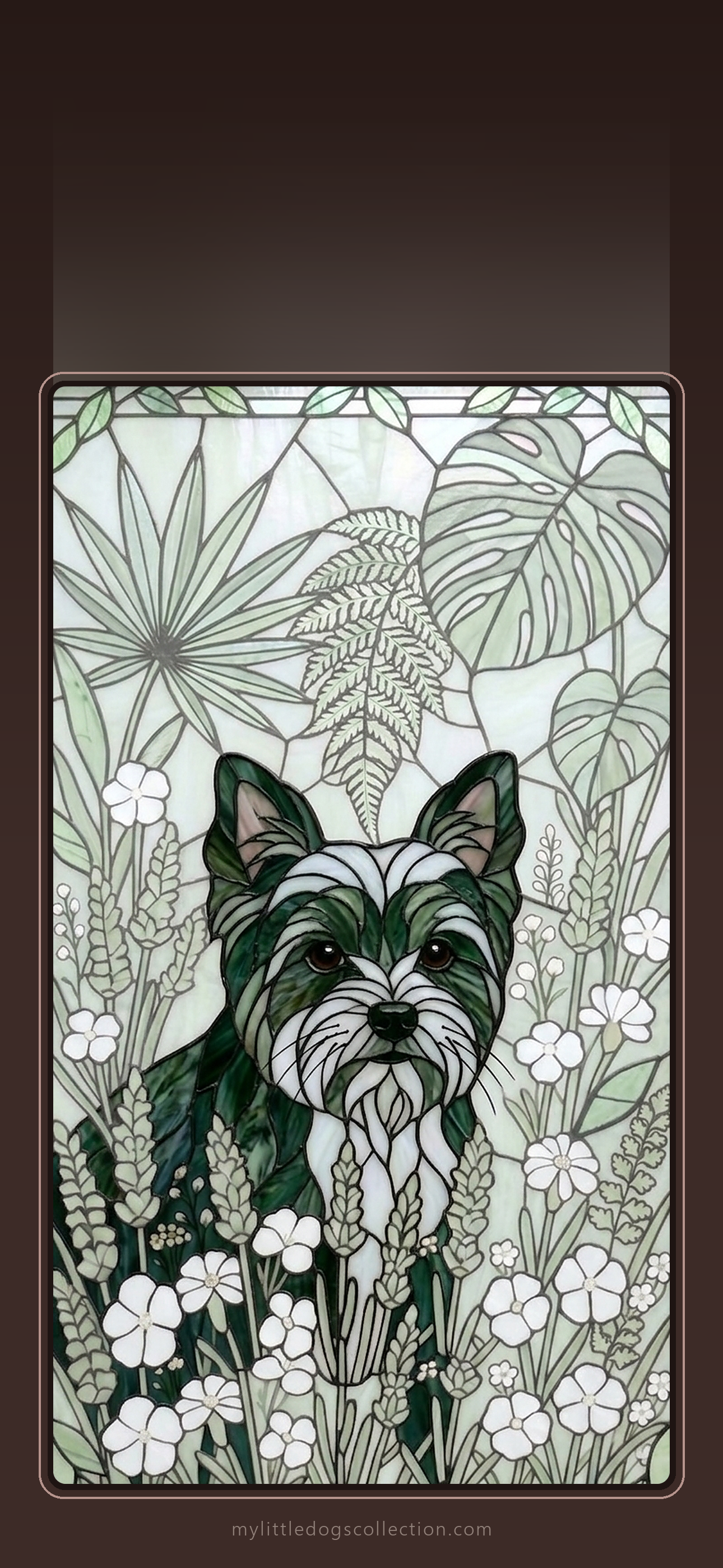
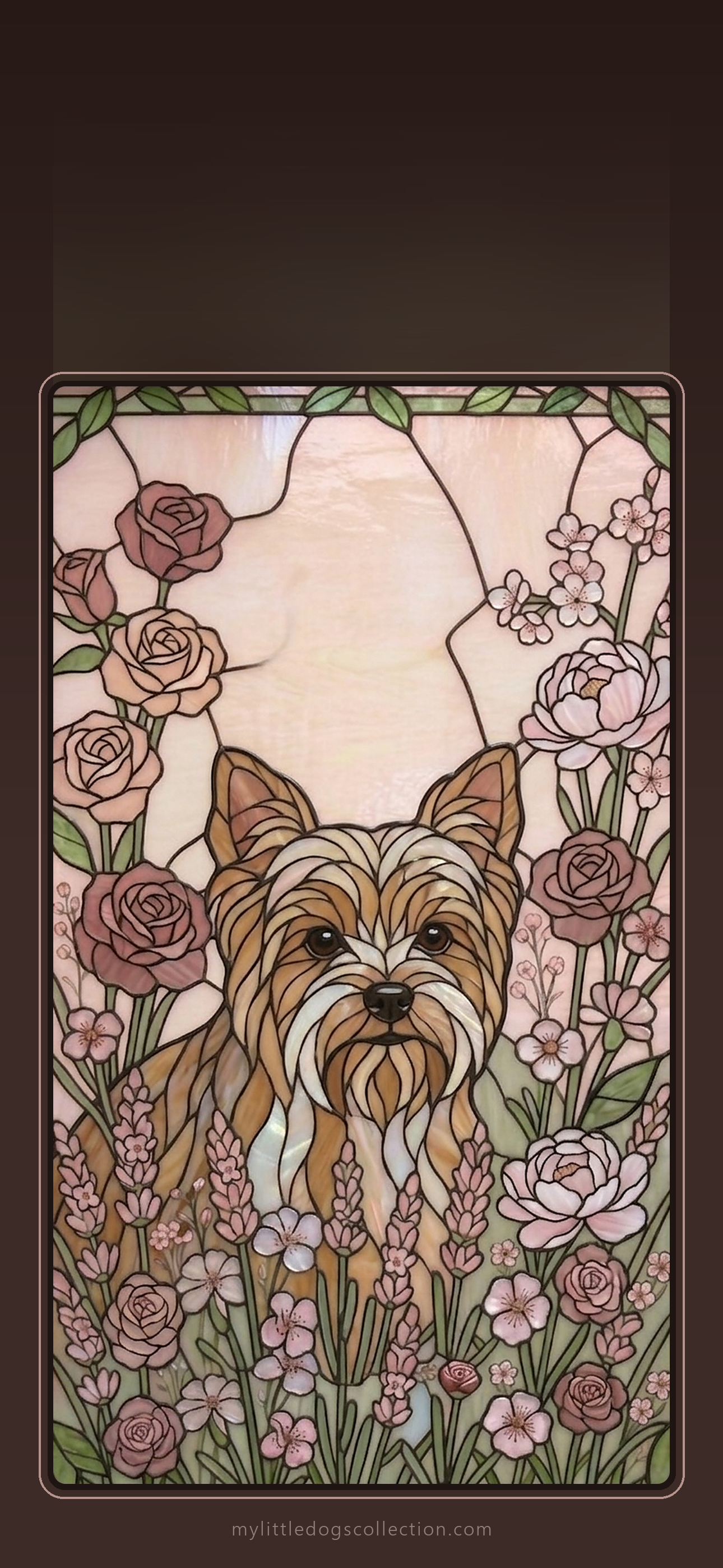
Love one? Get the matching phone case: Autumn Warmth · Ocean Blue · Lavender · Botanical Green · Rose Garden
How to set it as your wallpaper
iPhone: Open the Photos app and tap the picture. Tap the Share icon and choose Use as Wallpaper. Move and zoom the picture with two fingers if you like, then tap Add in the top right corner and choose Set as Wallpaper Pair. If the clock covers your dog, tap the three dots (⋯) and switch off Depth Effect.
Samsung: Open the Gallery app and tap the picture. Tap the three dots (⋮) and choose Set as wallpaper. Pick Lock screen, Home screen or both.
Google Pixel: Open Google Photos and tap the picture. Tap the three dots, choose Use as and then Wallpaper, and pick lock screen, home screen or both.
Tip: Move the picture so your dog sits below the clock. Menu names can look a little different on your phone.
Know someone who would love these? Send them to our wallpaper page.
For personal use on your own phone only. Not for resale or commercial use. Image is AI generated.